Every job expense captured, every invoice out faster

Thousands of businesses trust us
$30,000
average saved on fuel and corporate card spend per year
19hours
saved per month on average
100%
US based customer support
Average savings based on a survey conducted by Coast in October 2025, with a total of 132 respondents working in businesses operating 10 vehicles or more. Coast customers cite savings resulting from limiting fuel card abuse through better security, better visibility into expenses, rebates on fuel, and streamlined admin and accounting processes. Your actual savings may vary.
Faster, more accurate job costing, without the manual work
- Get expenses into BuildOps as they happen, so invoices are sent out sooner and cash comes in faster.
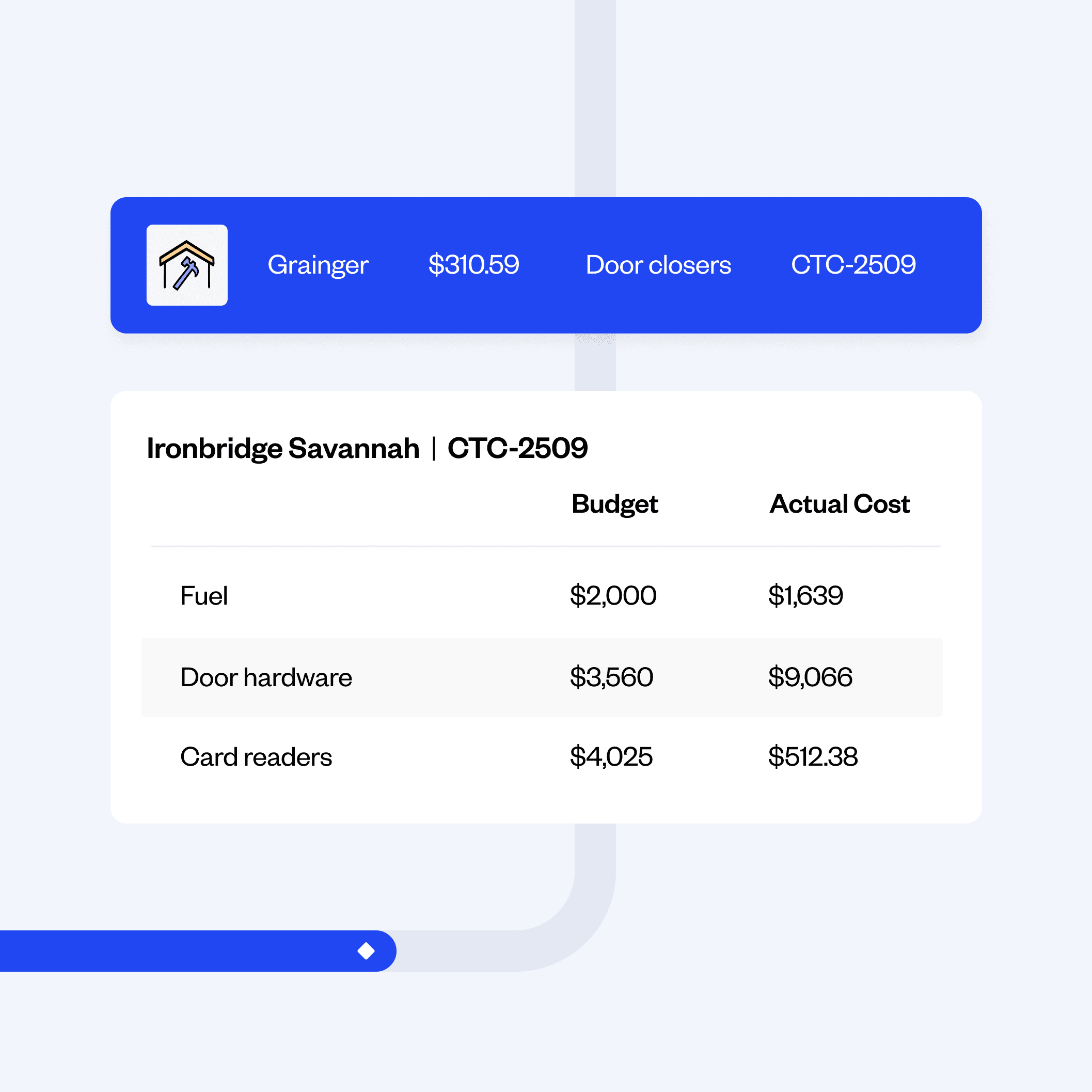
- From fuel to fleet maintenance to supplies, every transaction includes vendor, amount, project/job, cost code, and receipt for real-time visibility into your budget and project costs.
- No expense reports for technicians. No double data entry for your back office.
How it works
Step 1
Import fields
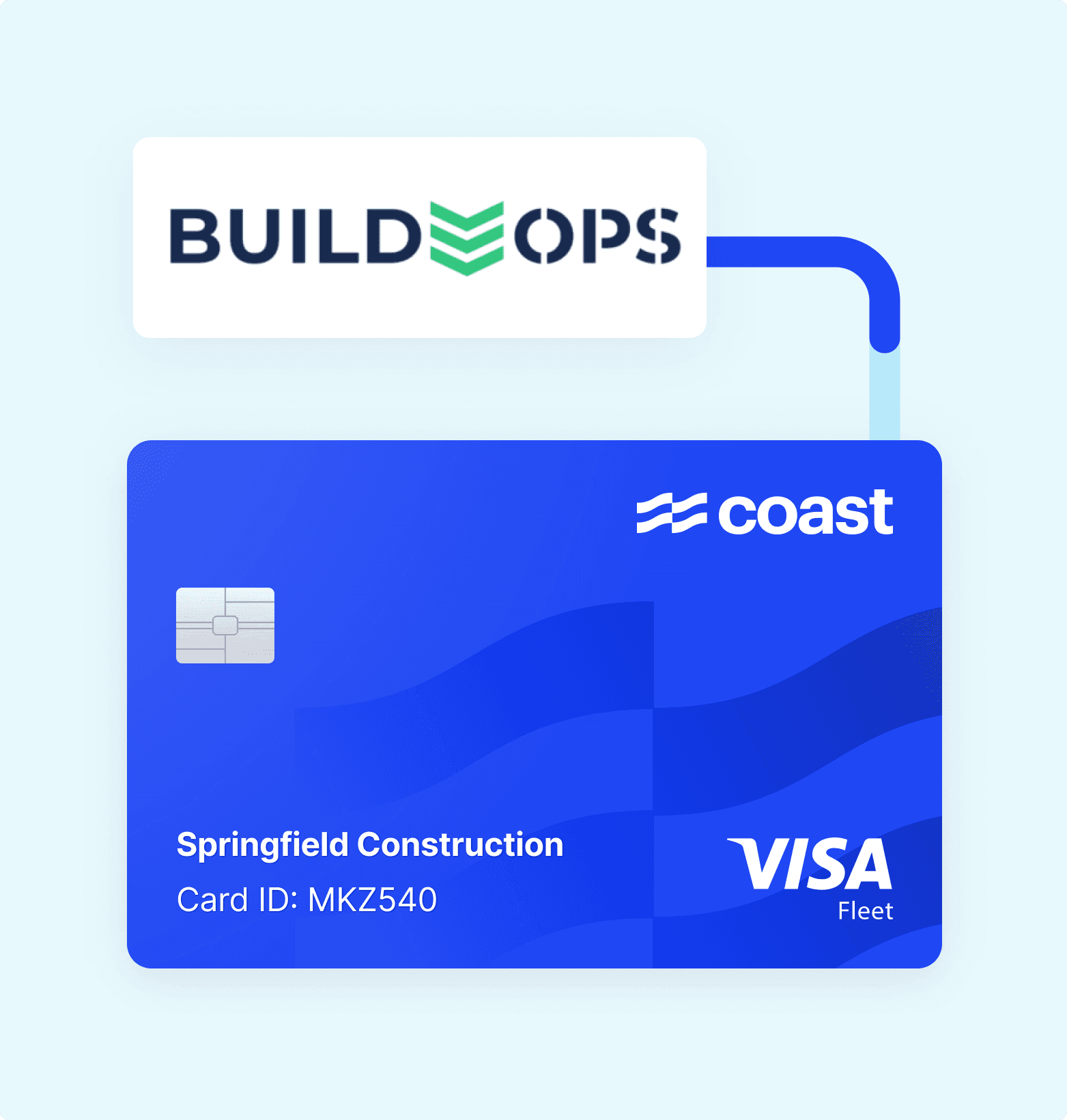
Automatically import your BuildOps fields to Coast, such as jobs, projects, and purchase orders.
Step 2
Tag expenses
Prompt your employees to effortlessly tag each Coast transaction to the right Job, Project, or PO as they spend, with receipts captured on mobile.
Step 3
Sync with BuildOps
Your tagged transactions sync to BuildOps with full details, and a PO Receipt is created automatically.
Customizable controls
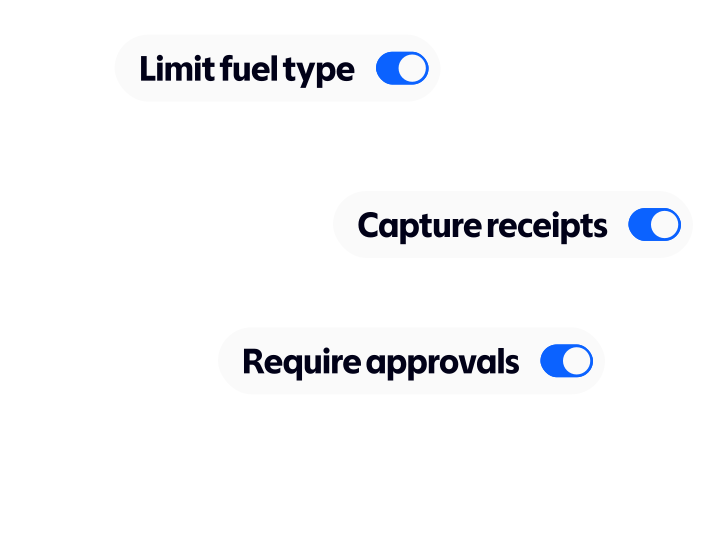
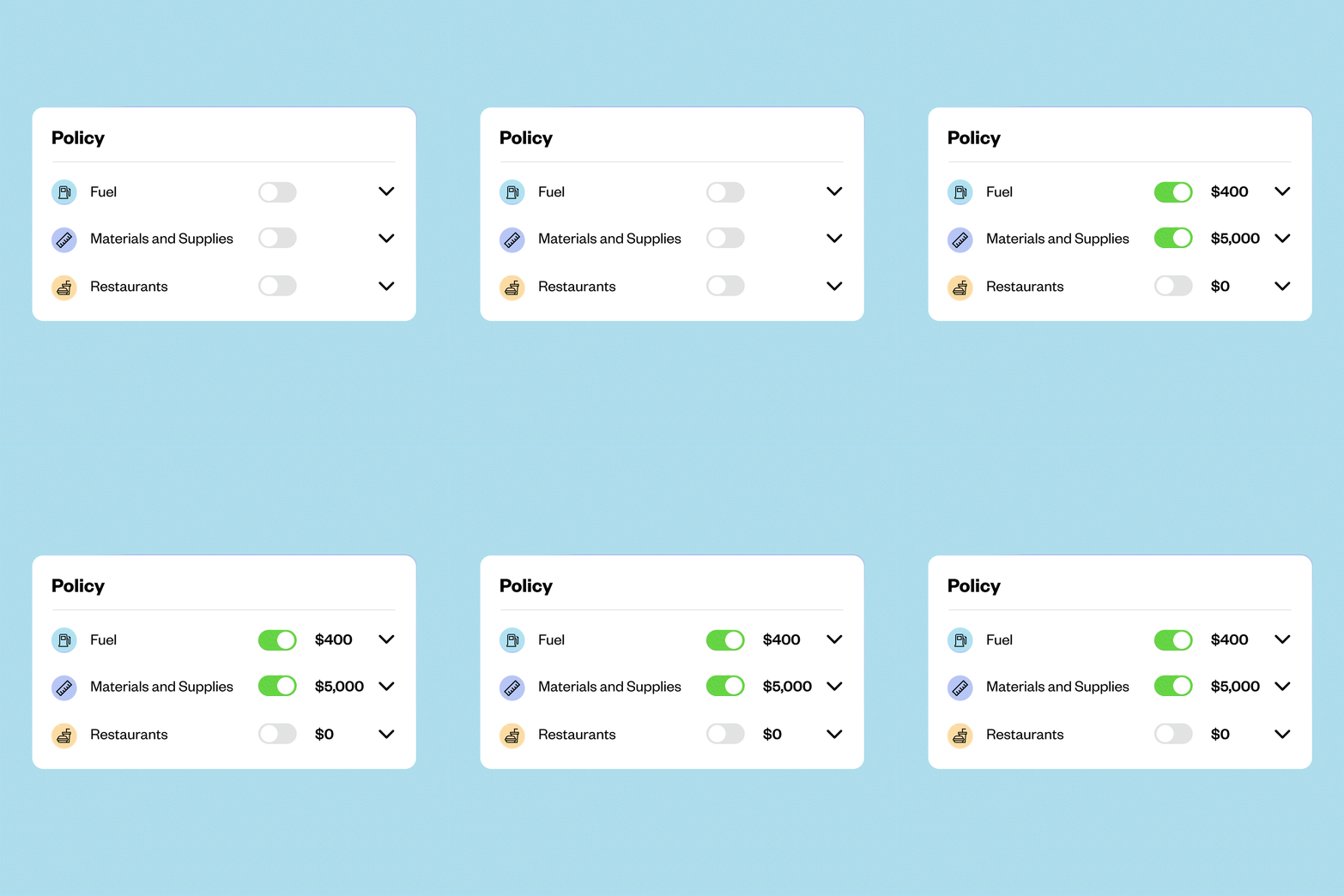
Spend controls built into the card: set spend categories and limits, block unapproved merchants, and allow one-off exceptions when needed
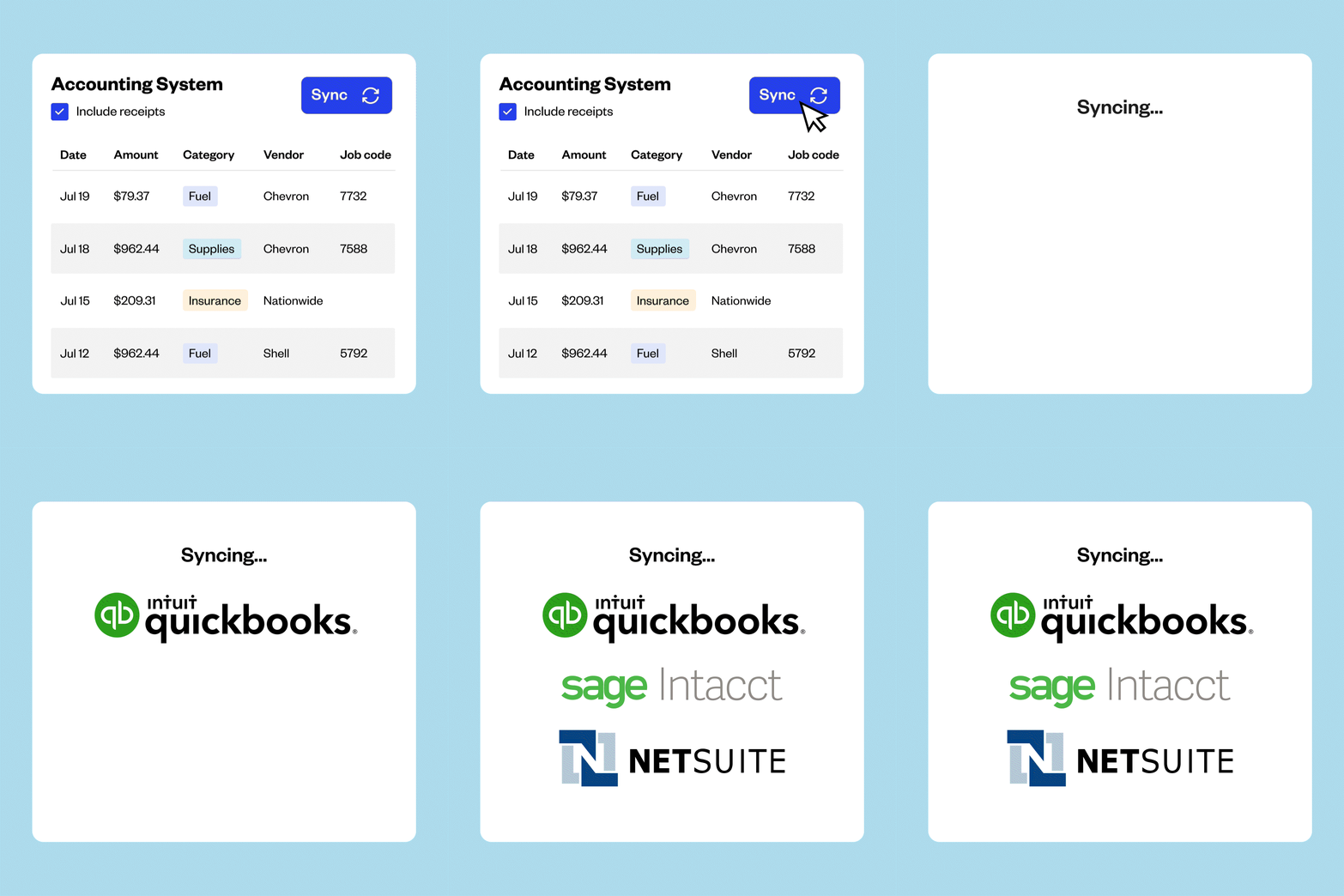
Sync with your project management and accounting tools
Integrations with BuildOps, QuickBooks, Sage Intacct, NetSuite, Spectrum, and more, plus a custom export for your ERP

Collect job codes and receipts instantly
Prompt employees to upload receipts and job codes right when they spend.

Automate Reconciliation
Set smart rules to automatically categorize transactions

Less time on the books, more time on the job
See where your spend is leaking, increase your control, and close your books twice as fast. Get started with Coast and never chase a receipt again.