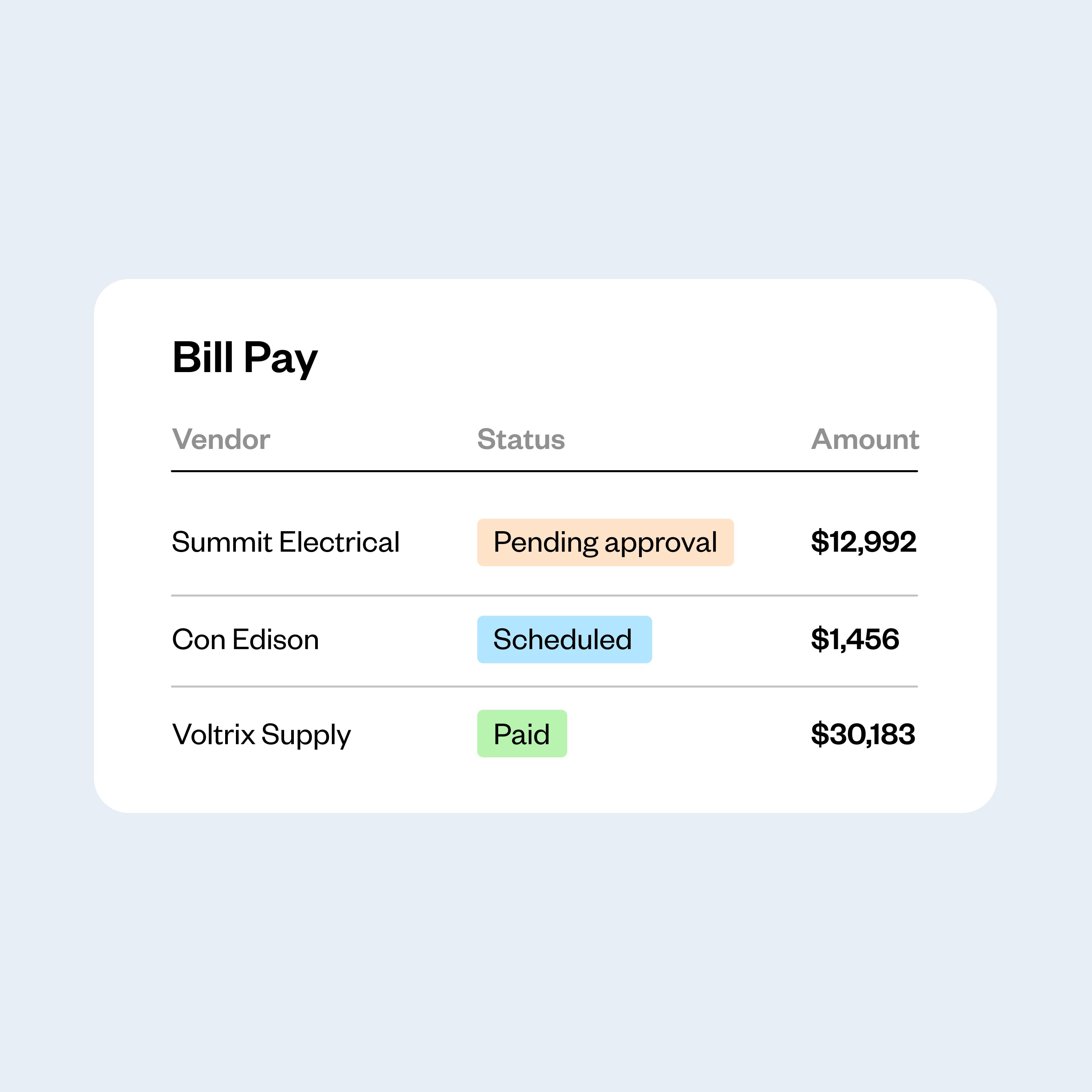
Know exactly what you owe and when, from the same dashboard where you track your card expenses. See every bill: pending, scheduled, approved, or paid.

Bill Pay for trades and construction
Automate your vendor payments, from the same platform you manage your card expenses
Bill Pay turns your AP process into a breeze. Capture invoices effortlessly, route approvals, and sync every payment to QuickBooks.
AI-powered bill and invoice capture
Custom approval workflows
Payments by ACH, check, wire, or Coast card
Seamless QuickBooks Online sync
AP automation software that takes you from invoice received to invoice paid
Step 1
Capture
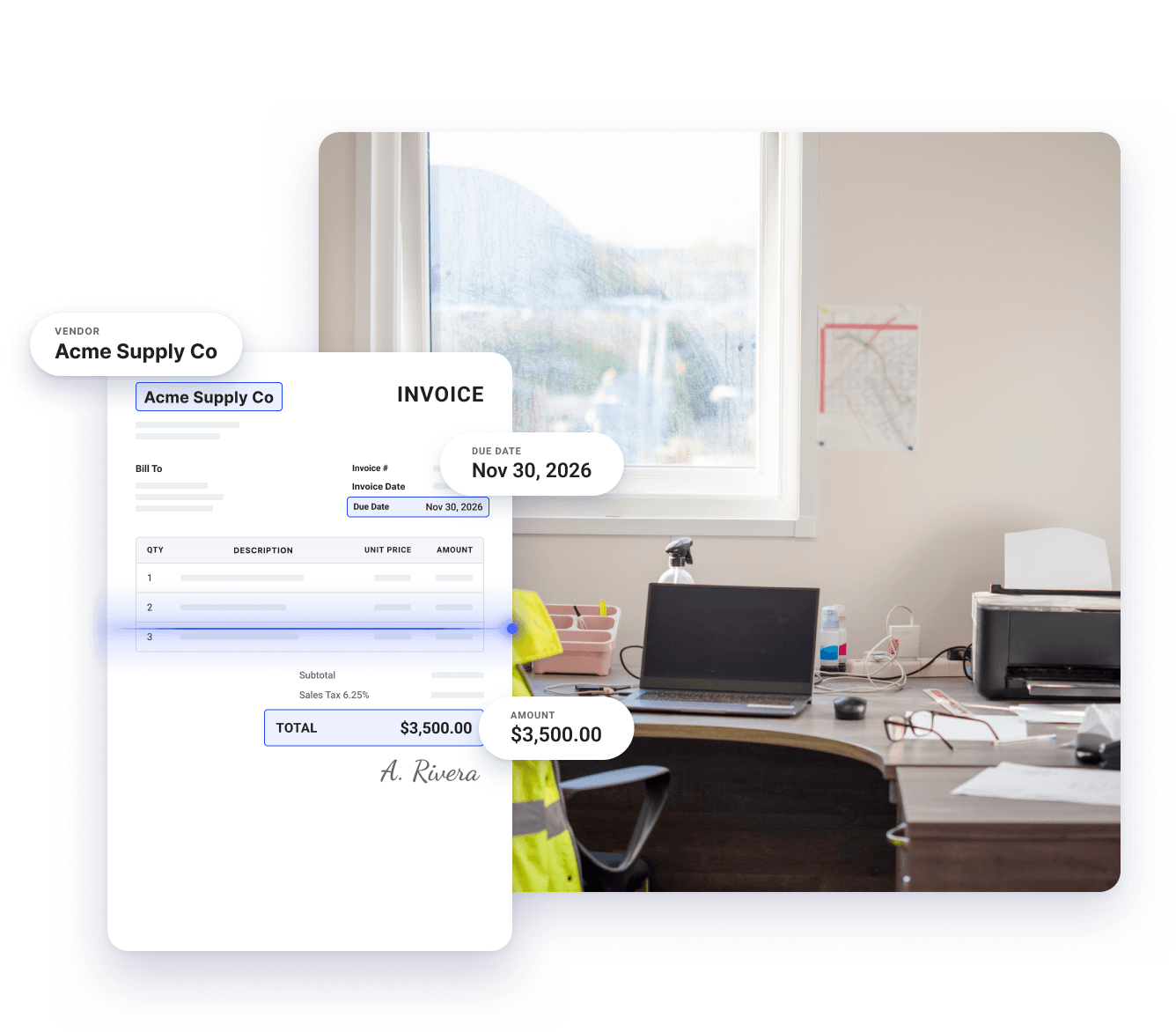
Forward, upload, or snap a photo of any bill, and Coast's AI reads the invoice and automatically captures the vendor, amount, and due date.
Step 2
Approve
Coast routes each bill to the right approver based on your rules, and approvers get notified so they can review and sign off on it, wherever they are.
Step 3
Pay and sync
Pay vendors by ACH, check, wire, or Coast card. Every payment syncs to QuickBooks Online automatically, so your books stay accurate without double entry.
Bills in your inbox, already in Coast
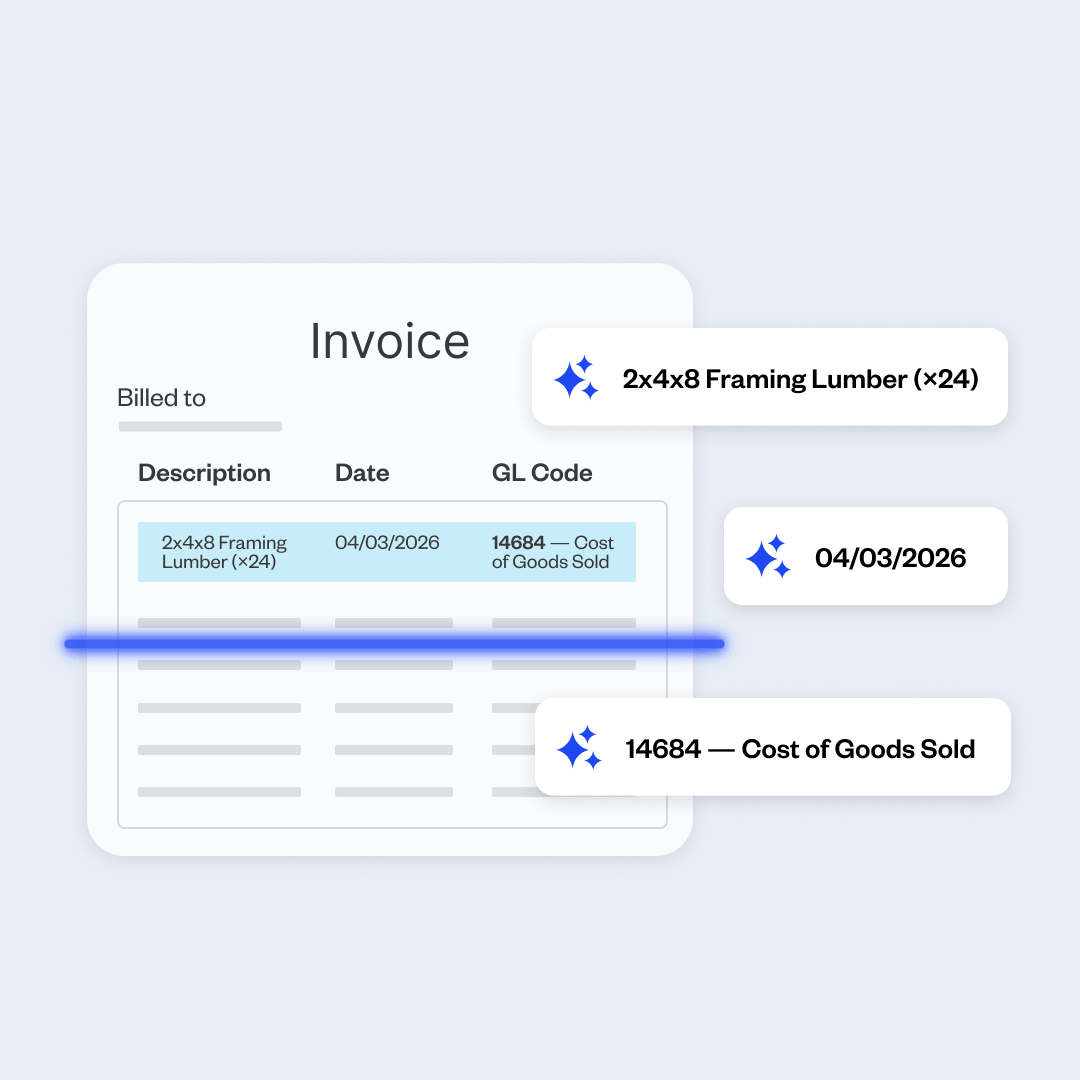
Connect your vendor inbox once. Every invoice that arrives gets pulled in automatically. Coast automatically captures the vendor, amount, or due date, so no one has to type a thing.
Approvals without the follow-up
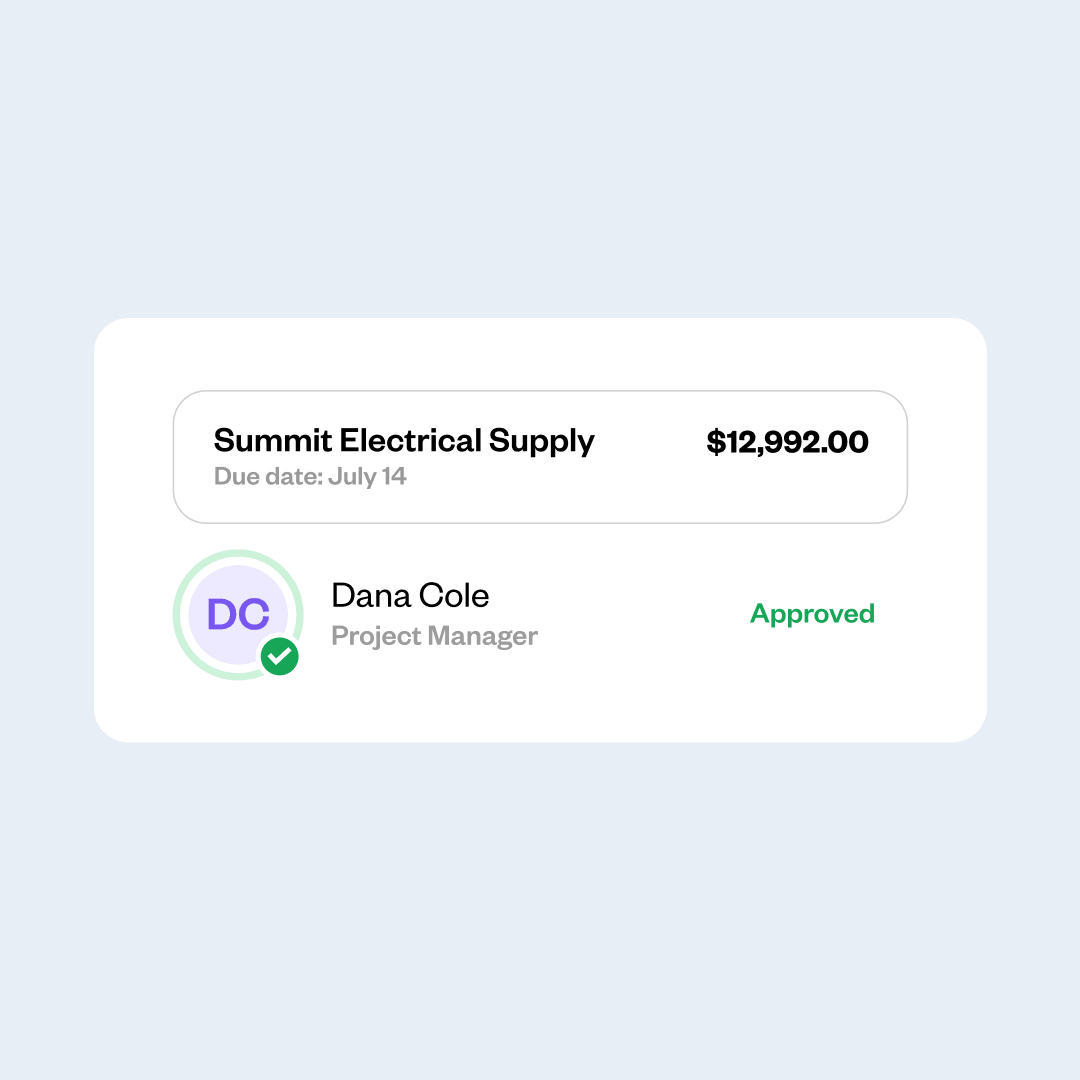
Coast routes each bill to the right approver. Payment releases only when the sign-off is in, so nothing slips through and nobody is chasing a signature over text.
Your books stay current
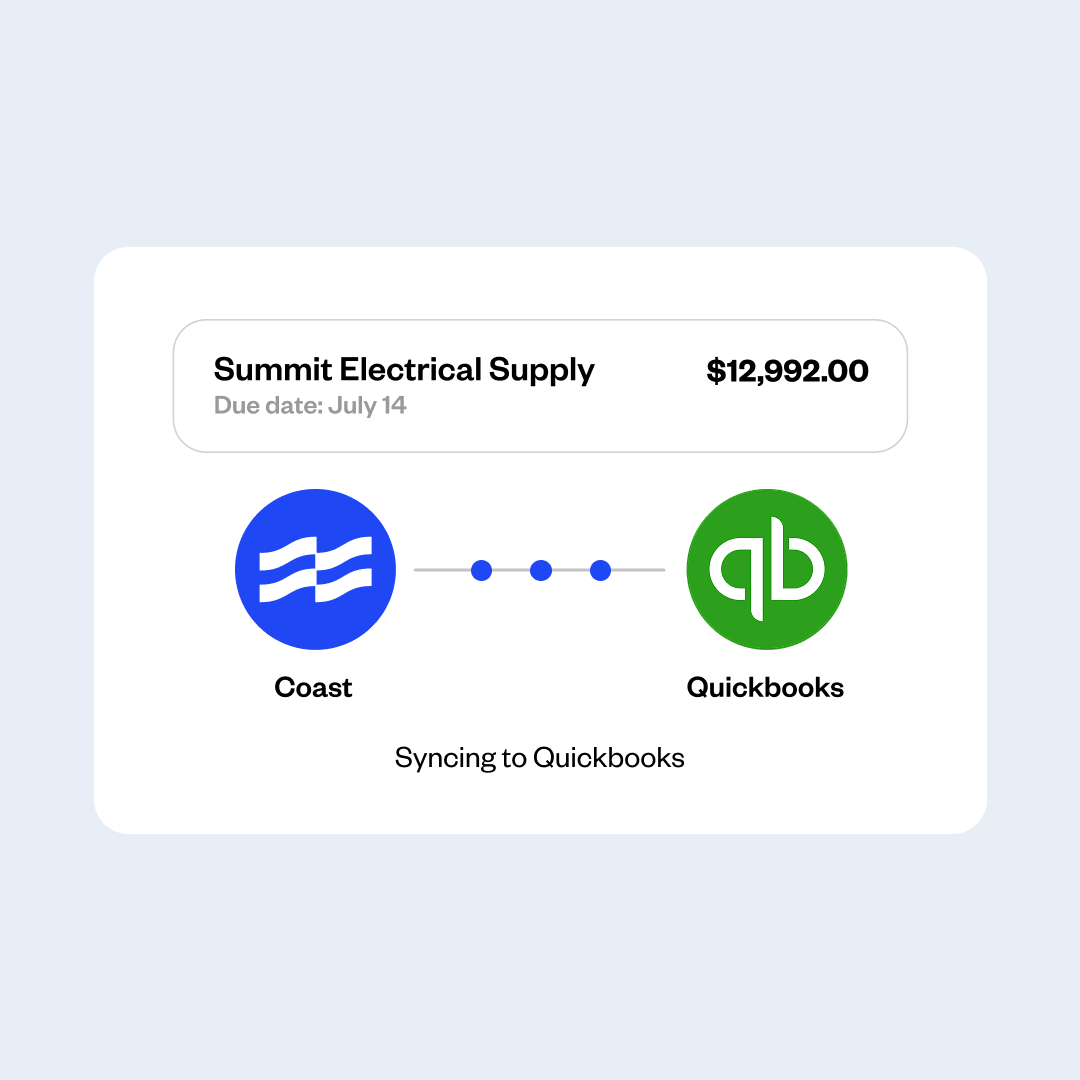
Every payment syncs back to QuickBooks Online, with every line item already coded. No manual entry, no cleanup at month end.
Control every dollar
Track your vendor payments
Capture savings
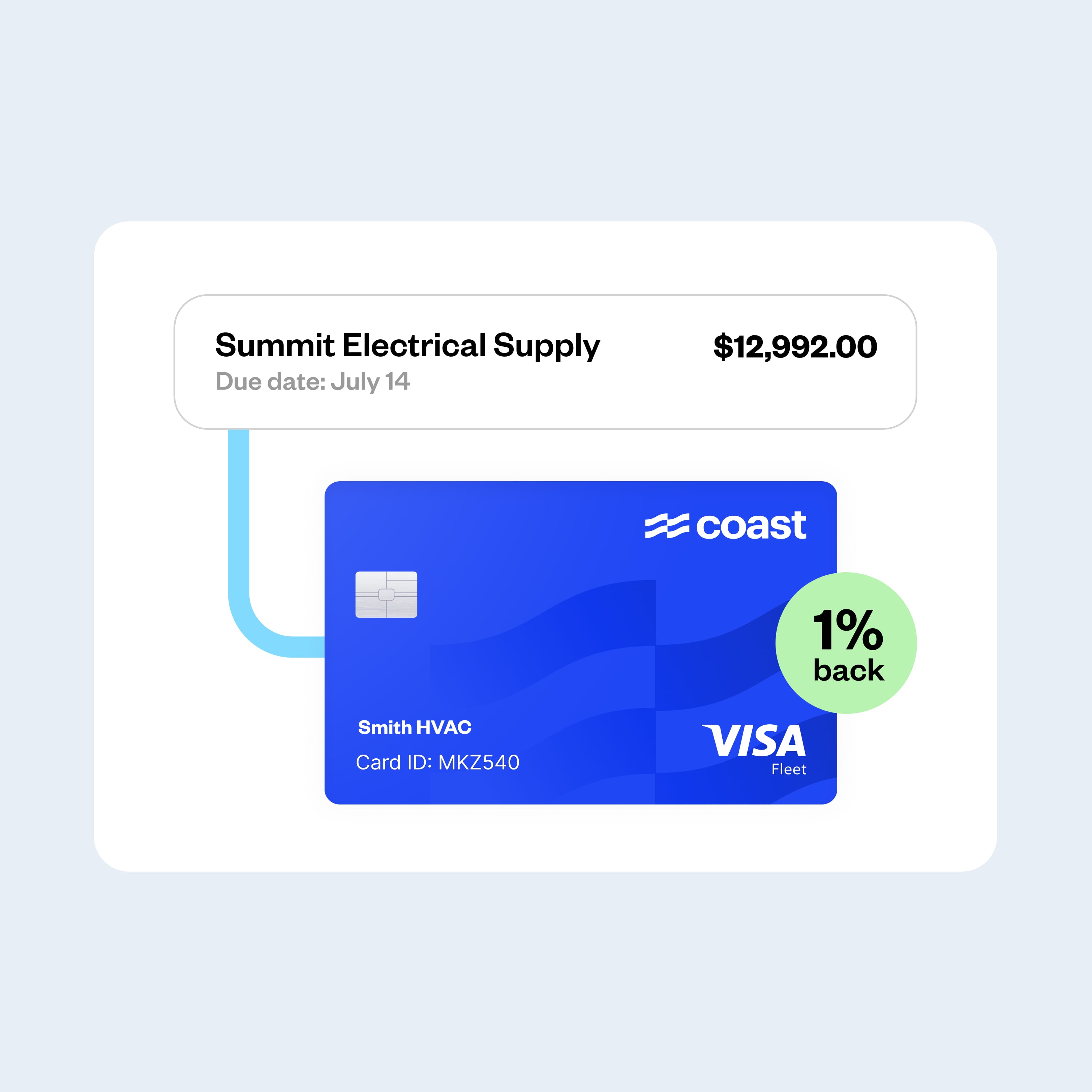
Turn every payment into a savings opportunity. Earn 1% cash back when you pay by card, lock in early payment discounts, and avoid late fees by scheduling your bills.
One platform for all your business spend
Coast already handles your fleet and card spend. Bill Pay brings vendor invoices into the same place.
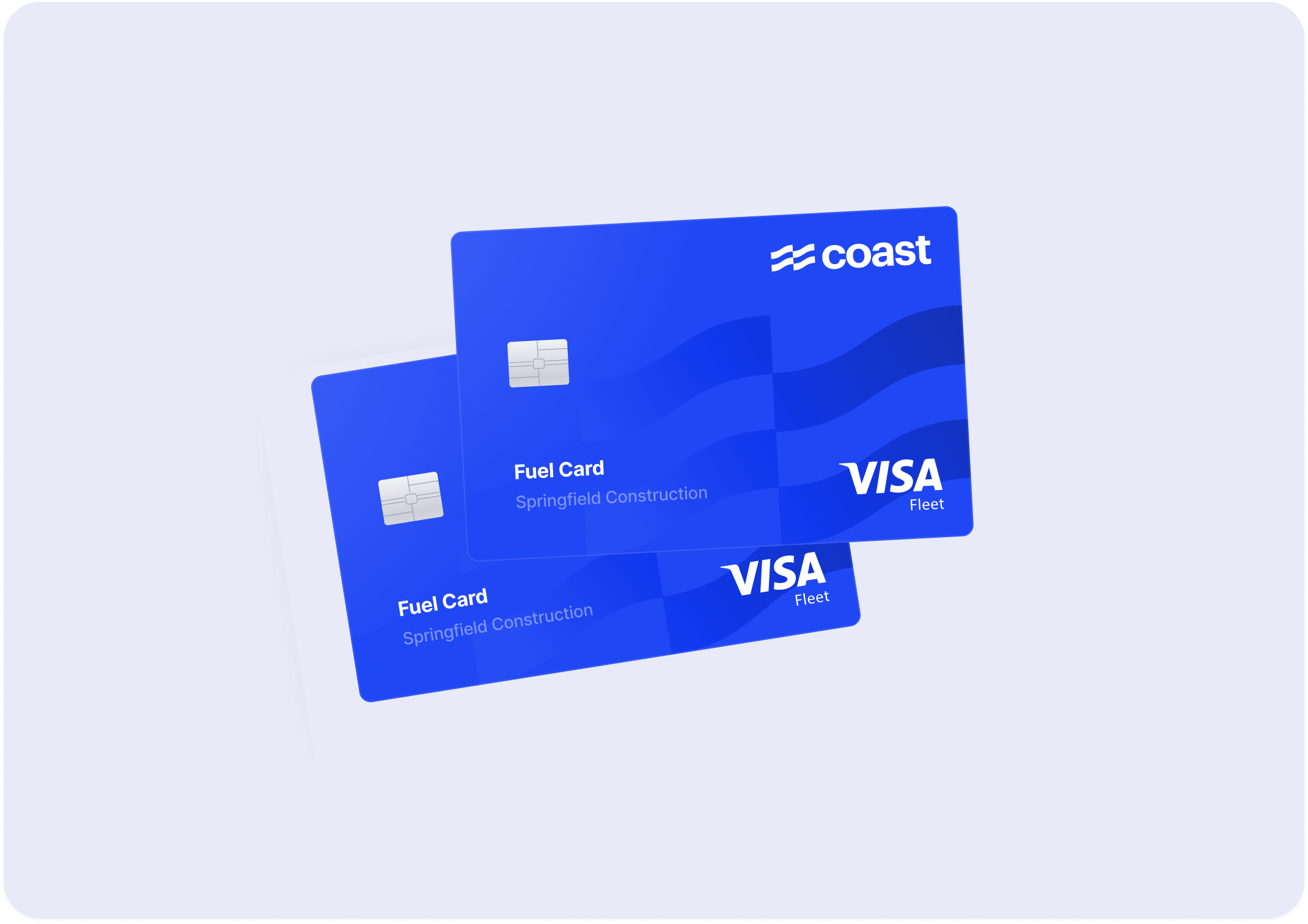
Fuel card. Control where drivers fuel, set spend limits, and track every fuel transaction — all on Coast.
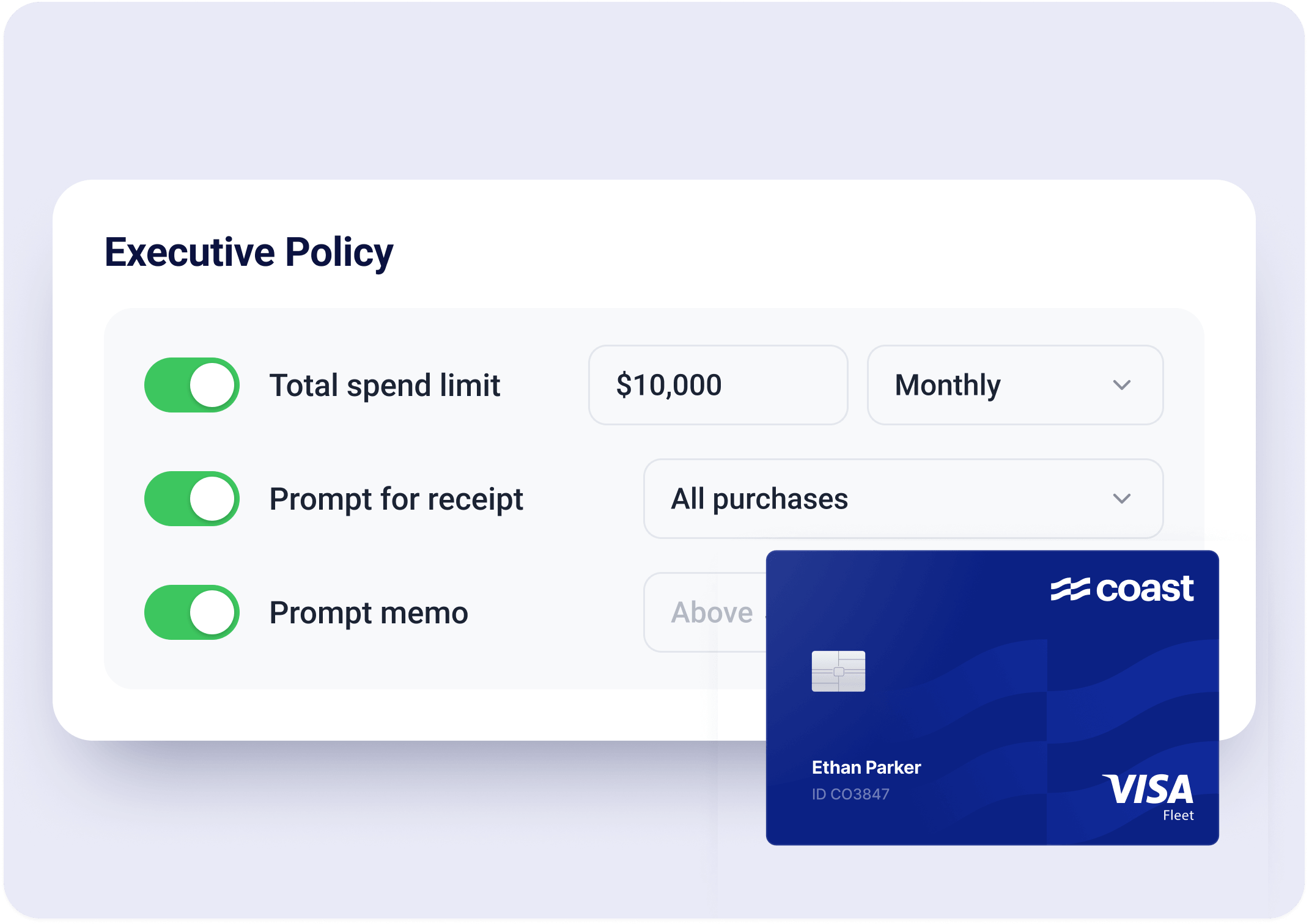
Corporate card. Manage company card spend with the same real-time visibility and controls you rely on for your fleet.
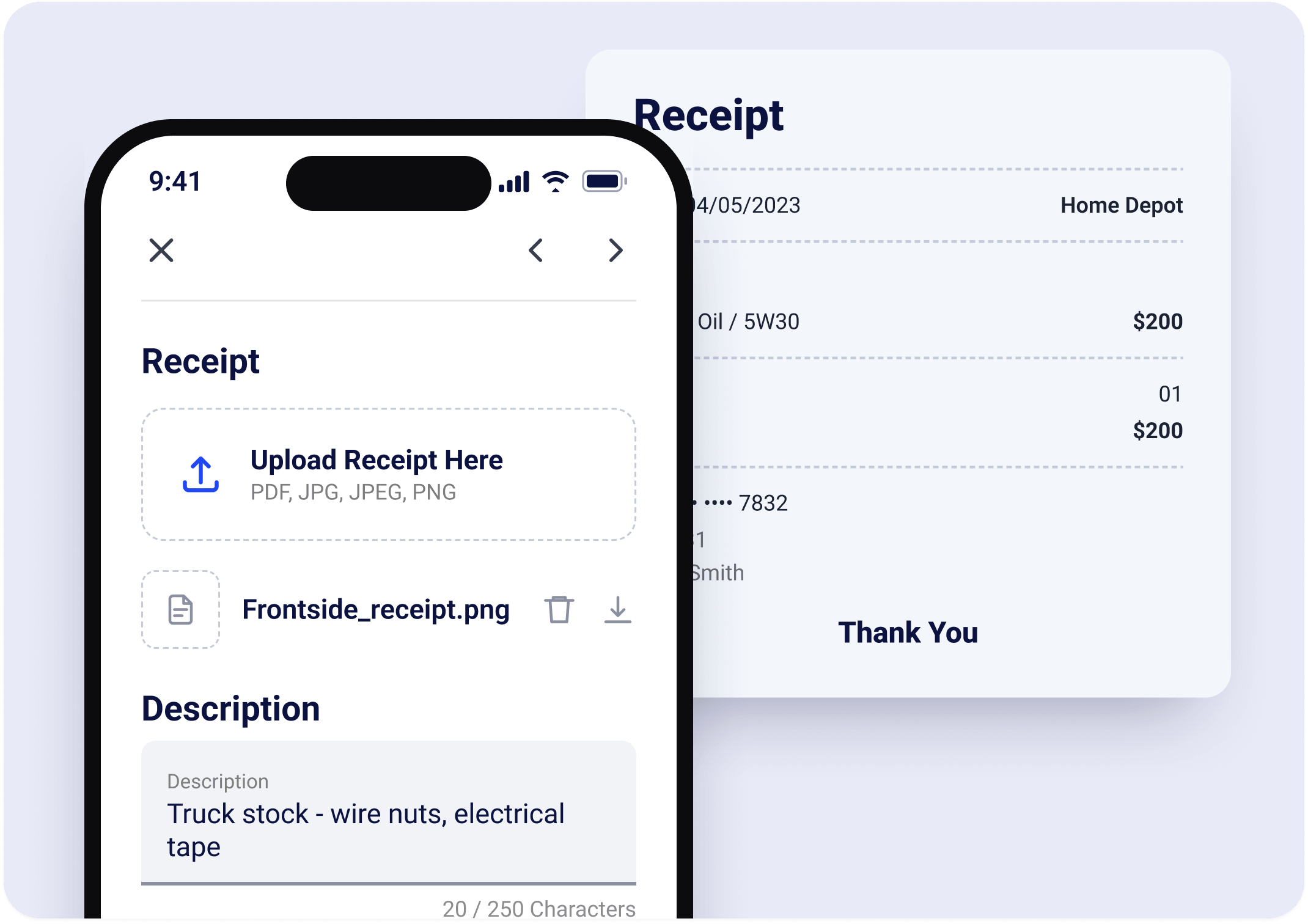
Expense management. Capture receipts automatically, keep spend in policy, and reconcile without the cleanup.
Frequently Asked Questions
What is AP automation software?
AP automation software is a tool that handles the process of receiving, approving, and paying vendor bills. Instead of entering invoices by hand and chasing approvals over email, the software automatically captures invoice details, routes each bill to the right person, and pays vendors once approved. It replaces a manual, paper-heavy process with a digital one.
What is accounts payable automation?
Accounts payable automation is the use of software to manage the complete bill-paying process, from the moment an invoice arrives to the moment it’s paid and recorded. It removes the repetitive manual steps, like keying in invoice data, following up on approvals, and updating your accounting system, so the whole process runs faster and with fewer errors.
How does AP automation work?
The software uses AI to capture details like the vendor, amount, and due date from each incoming invoice. It then routes the bill through your approval process and notifies the right people automatically. Once a bill is approved, you pay it through the platform, and the payment is recorded in your connected accounting system without anyone entering the information by hand.
What is an accounts payable workflow?
An accounts payable workflow is the series of steps a bill goes through from arrival to payment. A typical workflow includes receiving the invoice, entering its details, matching it against an order or receipt, routing it for approval, paying the vendor, and recording the transaction.
AP workflow software automates these steps so each bill moves through the process without manual handoffs.
What are the benefits of accounts payable automation?
Automating accounts payable saves significant time by cutting out manual data entry and approval chasing. It reduces errors that come from typing invoices by hand, helps you avoid late fees by keeping payments on schedule, and gives you a clear view of what you owe and when. It also keeps your books accurate, since every bill and payment is recorded automatically.
How does Coast Bill Pay work with QuickBooks Online?
Coast Bill Pay integrates with QuickBooks Online, so the bills and payments you process in Coast are recorded in your books automatically. Your vendor details and bills move between the two systems without manual updates, which keeps your records accurate and saves you from entering the same information twice.
How do I get started with Coast Bill Pay?
Getting started is simple. Apply for Coast, connect your QuickBooks Online account, and you can begin capturing and paying bills from the same platform you use for fuel and fleet expenses. The setup takes little time, and you can get up and running in days, not weeks.
What's the best AP automation software for businesses with fleets?
The best choice depends on your needs, but fleet businesses benefit most from a platform that handles more than just bills. Coast is built specifically for businesses that operate fleets, such as construction, landscaping, and transportation companies.
It combines AP automation with fuel cards and corporate card expense management, so you manage bills, fuel, and card spend in one place instead of stitching together separate tools.
 Apply in minutesNo personal guaranteeWon't affect your credit score