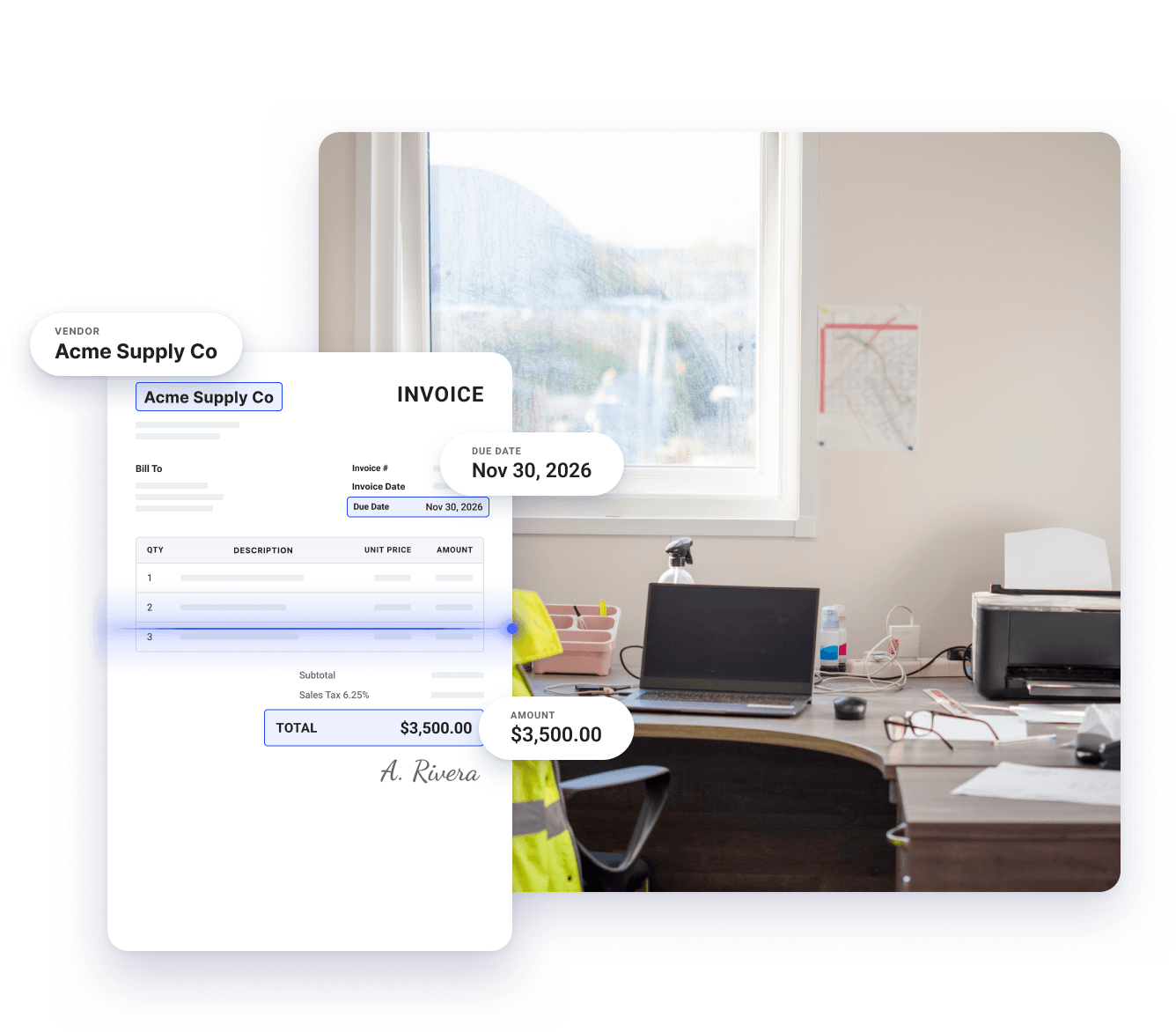
Manual data entry takes time and leaves room for mistakes. Coast automatically captures details like vendor, invoice number, amount, and due date from every invoice as it arrives, saving your team hours and reducing the chances of errors.

Construction Accounts Payable
AP automation software built for construction businesses
With Coast, you can capture invoices as they come in, route them for approval, tag expenses to the correct job automatically, and pay suppliers on time with minimal manual involvement.
AI-powered bill and invoice capture
Custom approval workflows
Payments by ACH, check, wire, or Coast card
Job-level cost tracking
Syncs with QuickBooks Online
Smarter accounts payable for construction teams
Coast gives you control and visibility over every invoice that comes through your construction business, from the moment it arrives to the day it’s paid.

Automatic invoice capture
Coast scans each invoice as it arrives and automatically extracts the vendor, invoice number, amount, and due date, so you skip the data entry.

Approvals that follow your rules
Coast routes each invoice to the right approver automatically.

Automatic sync with QuickBooks Online
Approved invoices and payments sync to QuickBooks Online automatically, so your records match without anyone entering the same information twice.
3 reasons teams trust Coast to handle construction AP automation
Step 1
Made for the way construction teams work
Coast fits the way construction companies already operate. Project managers review and approve invoices between site visits, and the process takes minutes instead of weeks.
Step 2
Know what each job actually costs
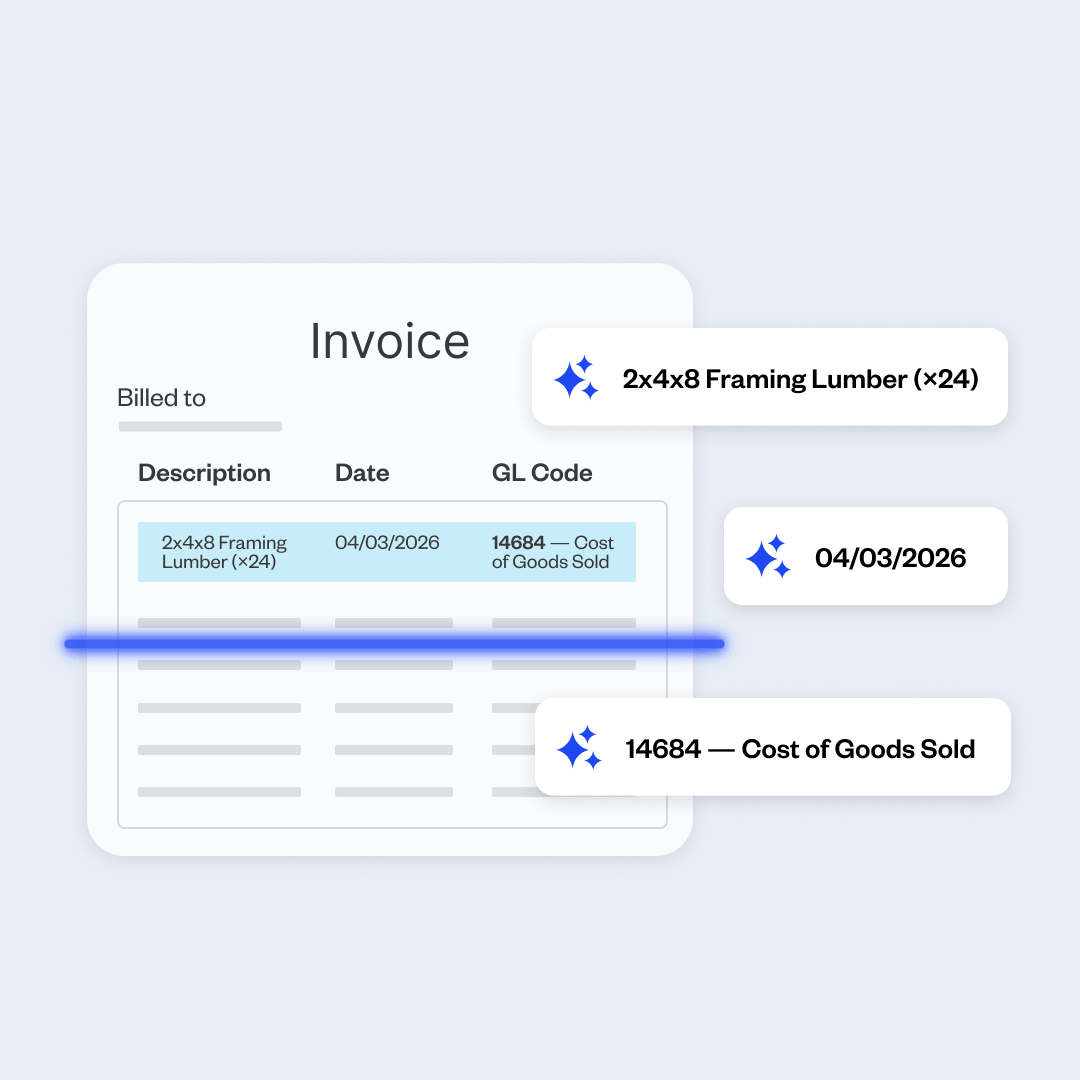
Coast ties each supplier and subcontractor invoice to the project it belongs to. That way you can compare real costs against your estimated budget before the job wraps up.
Step 3
Suppliers get paid on schedule
Late payments cost you more than late fees. Your payment history determines the credit terms you get, the discounts you qualify for, and how quickly a supplier fills your next order. Coast keeps invoices moving so payments go out on time.
AI-powered invoice capture
Save hours of invoice data entry every week
Rule-based approvals
Get invoices approved and paid on time
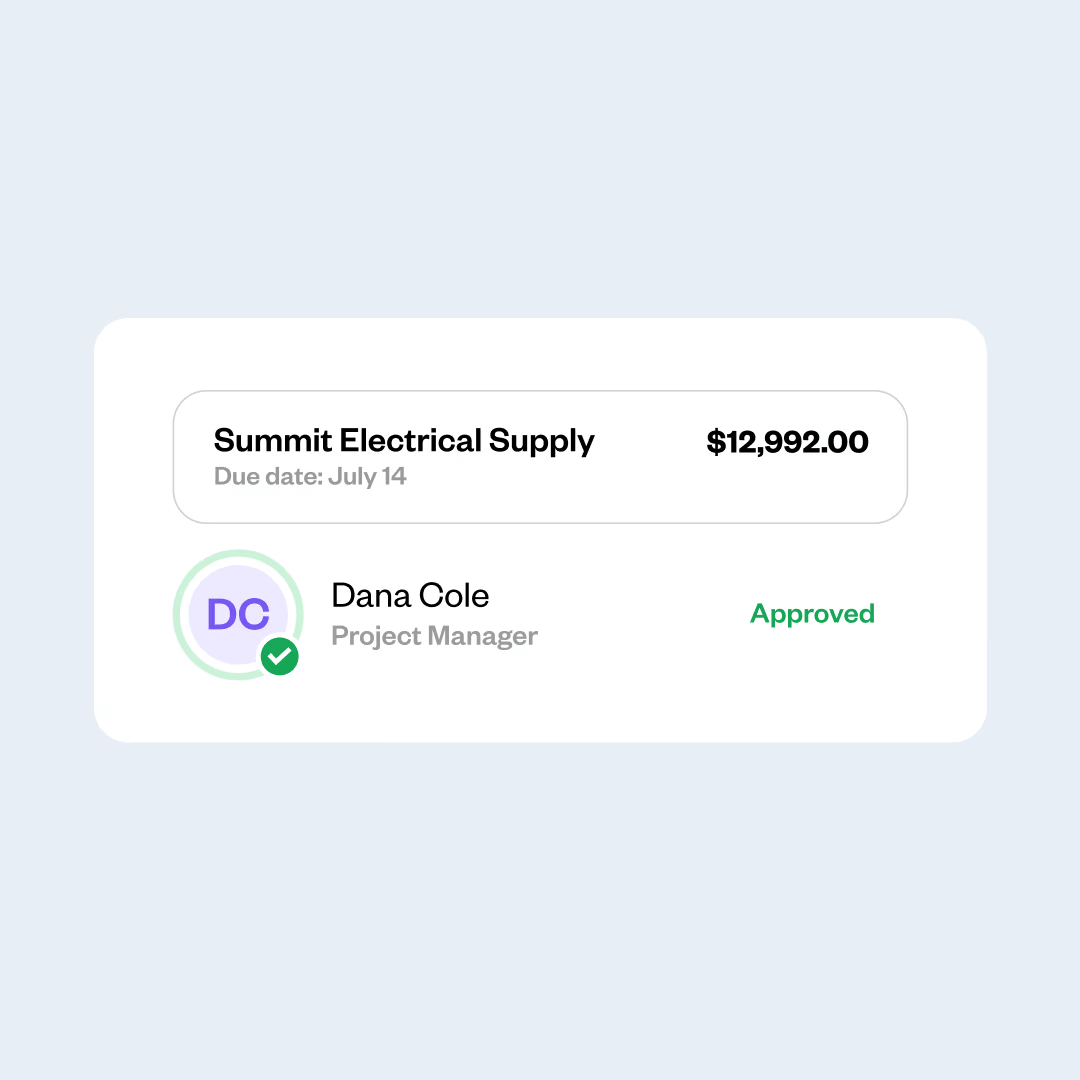
Invoices get delayed when nobody is sure who needs to approve them. Set your approval rules once, and Coast sends each invoice to the right approver, who can review and approve it from wherever they are, so payments go out on time.
Full AP visibility
See your entire AP process in one place
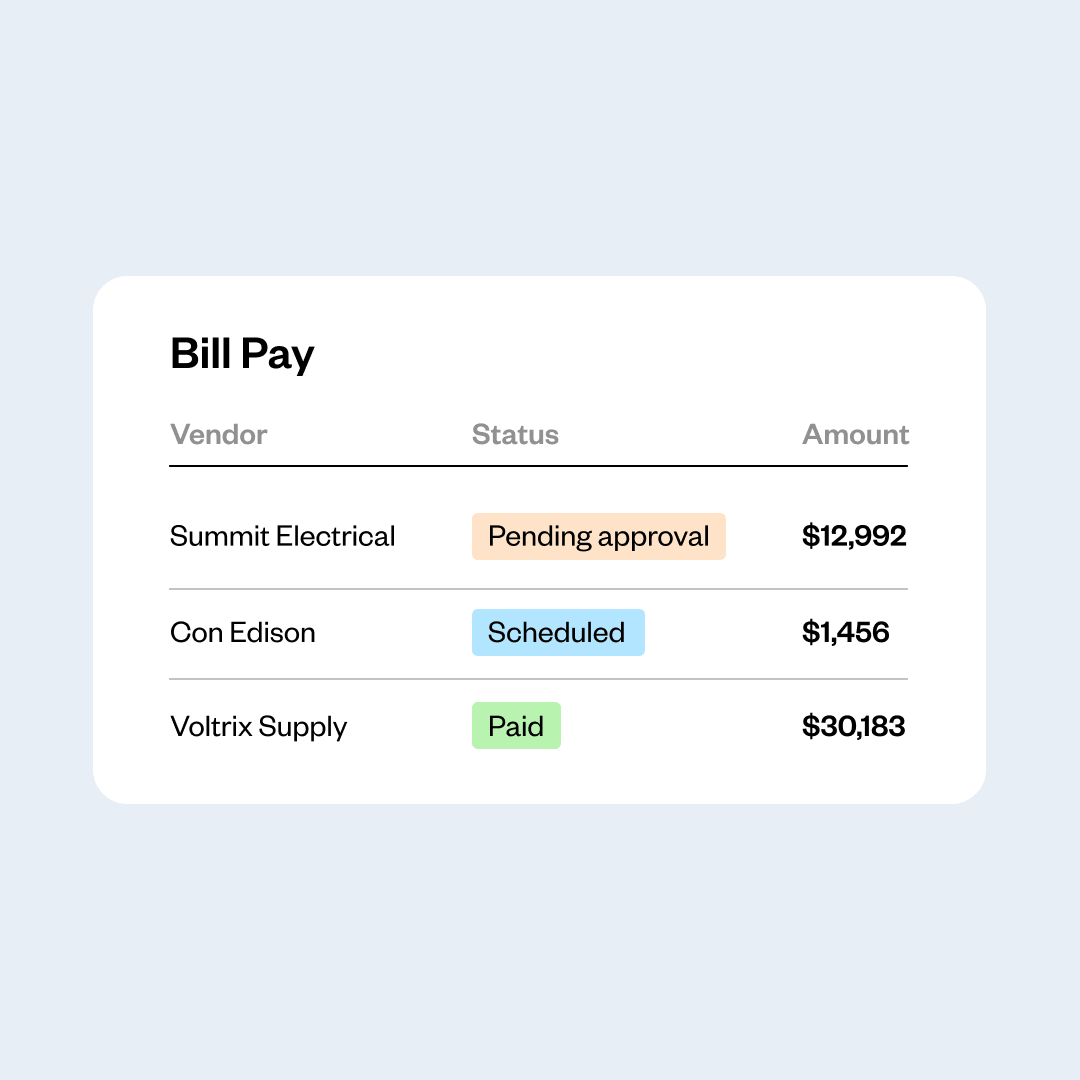
With Coast, your invoices won’t be scattered across email, paperwork, and disconnected systems. Coast keeps every invoice in one dashboard from the day it arrives, so you can see at a glance what’s owed, what’s approved, and what’s scheduled to be paid.
Manage more than your invoices with Coast
Handle fuel, vehicle expenses, and fleet data alongside your accounts payable, with reporting and integrations built for construction businesses.
Fleet cards and fleet data in one platform
Use Coast fuel cards to pay for fuel and for the expenses that come with running a field-based business, including vehicle maintenance, supplies, or materials. Behind the card, Coast captures fleet data by team and vehicle, so you can track fuel usage across multiple job sites, find vehicles that are costing you more than they should, and cut down on fraudulent transactions.
Built to work with your existing systems
Coast connects to QuickBooks Online, NetSuite, and Sage Intacct, so your invoices and payments flow smoothly into the accounting system you already use. It also integrates with popular telematics platforms, fleet management tools , and field service management software. These integrations ensure your accounting, fleet, and job data stay consistent without anyone exporting a spreadsheet or manually entering information.
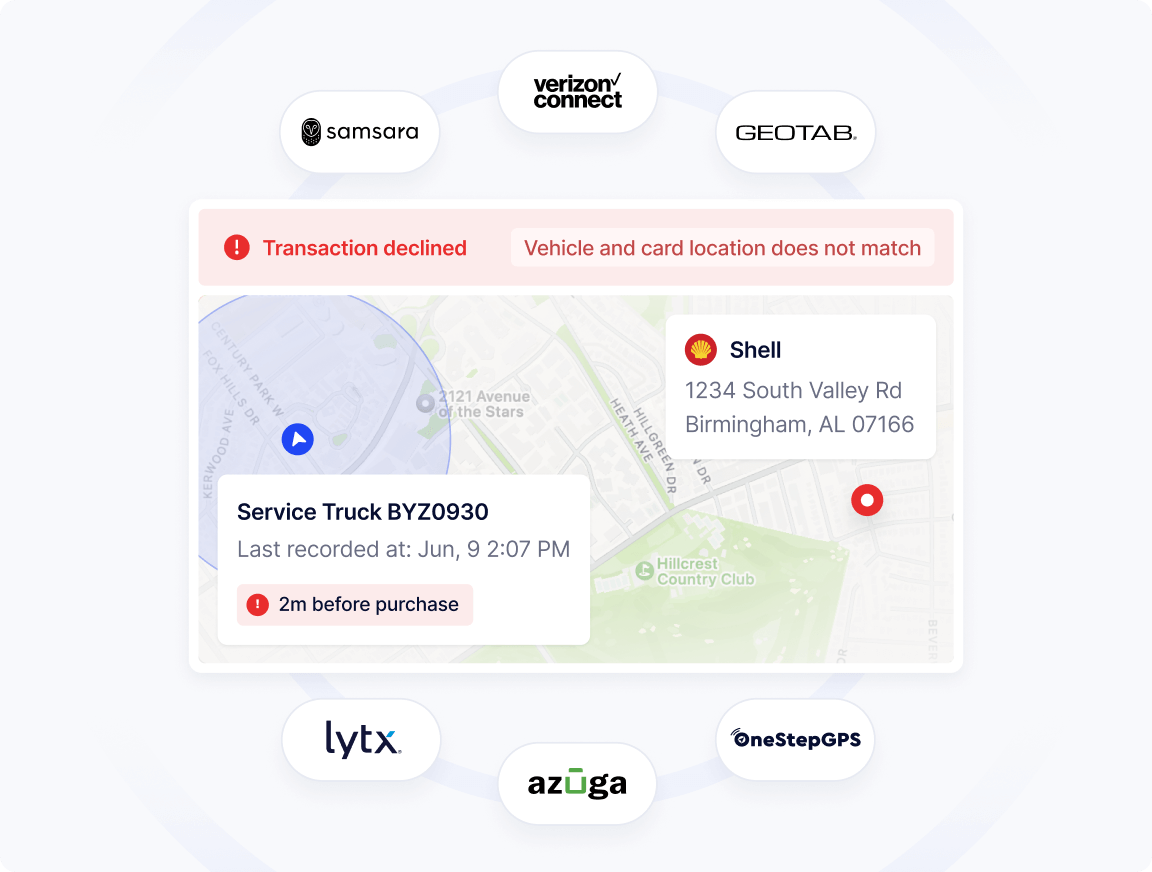
One platform for your invoices and your fleet spend
Most construction companies process supplier invoices in one system and handle fuel and vehicle expenses in another. That leaves your office staff working across separate tools to figure out what the business actually spent this month.
With Coast, you can automate invoice processing and use a Visa® card with built-in spend controls for fuel and fleet expenses—all managed from one dashboard.

“Coast Bill Pay saved me 2 to 3 hours a week of just going behind my team to make sure they approved their invoices.”
Kolby Bonds
Nexus Pool Management
Frequently Asked Questions
What is AP automation, and how does it work for construction businesses?
AP automation is the use of software to digitize the invoice-to-pay process. Instead of entering invoice details by hand, routing paperwork for signatures, and issuing payments one at a time, Coast captures the details from each invoice, sends it to the right approver based on rules you set, and pays it on schedule.
For construction businesses, that also means each invoice gets tied to the job it belongs to, so you can see your project costs as the job is underway.
Can I use Coast for both invoice processing and fuel expenses?
Yes. Coast handles your accounts payable and gives your crews a Visa® card that covers fuel and non-fuel expenses, including vehicle maintenance, car washes, oil changes, repairs, tire rotations, parking, and tolls.
Coast manages both, so your invoice payments and card transactions appear in one place instead of two separate systems.
Does Coast work with QuickBooks Online?
Yes. Approved invoices and payments sync to QuickBooks Online automatically, so your records stay current without anyone manually entering information. Coast also connects to NetSuite and Sage Intacct if you use one of those instead.
What fleet data can I see in Coast?
Coast categorizes your fleet spend by team and vehicle, so you can track fuel usage across multiple vehicle and job sites, compare costs between trucks and equipment, and spot vehicles that are running less efficiently than they should.
Coast also declines fraudulent transactions automatically, and offers up to $25,000 per year in backup against fuel theft and card misuse when advanced security features are enabled (eligibility and terms apply).
We already use Coast fuel cards. What changes when we add AP automation?
Your cards keep working the same way. AP automation adds invoice capture, approvals, and payments to the account you already have, and your card transactions and invoice payments appear together in the same dashboard.
 Apply in minutesNo personal guaranteeWon't affect your credit score