
Let’s be honest, expense reports are terrible. Your crew hates filling them out. You hate chasing your team down for receipts. And you’re stuck reimbursing people weeks after they’ve already paid out of pocket. For a lot of businesses, it’s just the way things have always worked. But it doesn’t have to anymore.
Modern technology helps you keep the same level of control of oversight (and more!), but get rid of the paperwork and tedious processes.
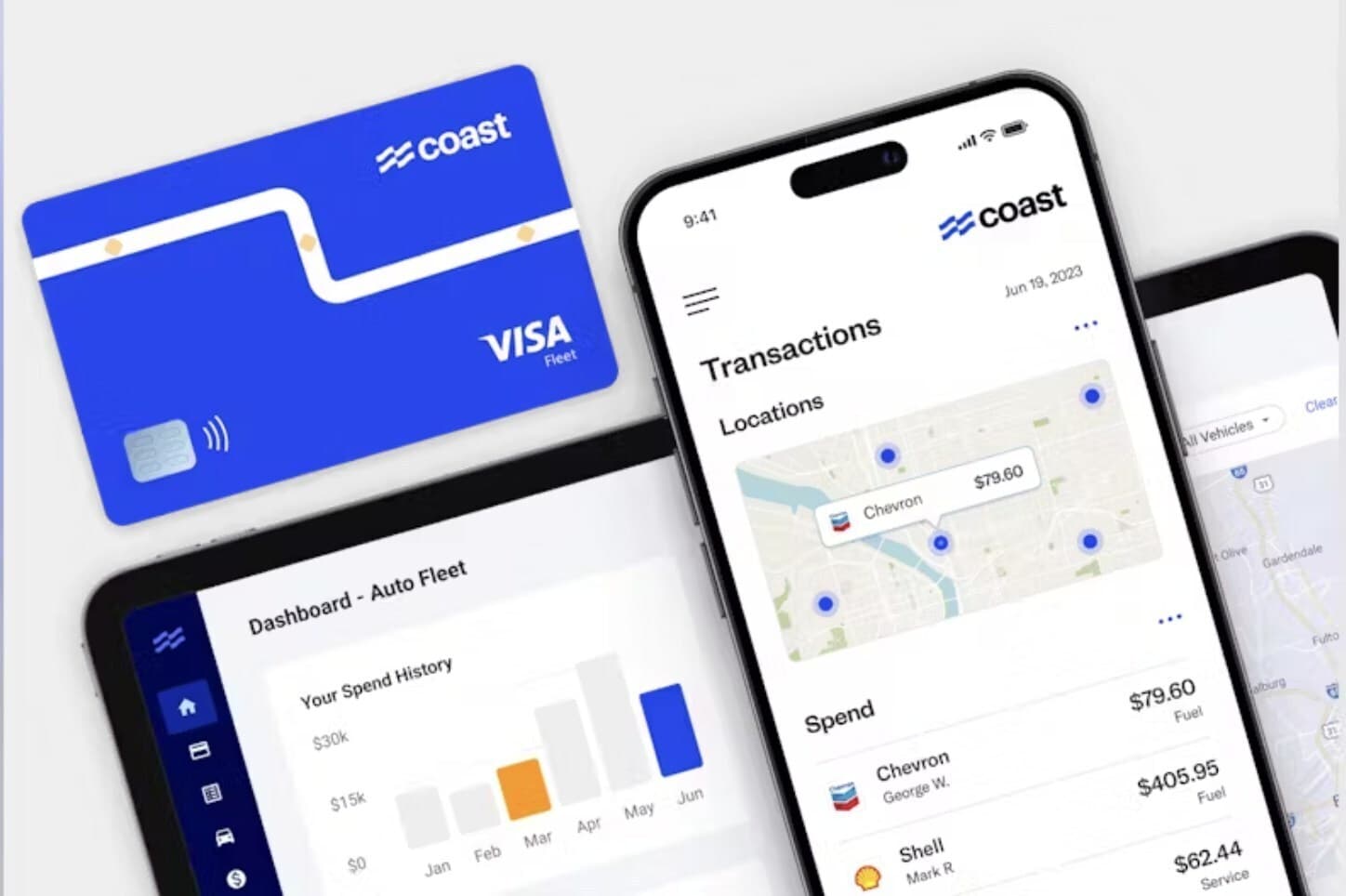
Coast is here to do just that. You might know it as a fuel card, but it’s also a way to manage company spending as it happens. Receipts are captured in real time, transactions are coded automatically, and everything syncs directly with your accounting system, so month-end is a breeze.
In our recent webinar, Alex Sussman, Sales Leader at Coast, sat down with Jennifer Sorensen, Accounting and Business Manager at First Impression Ironworks, to talk through how businesses are ditching expense reports for good. Watch the full recording below or keep reading for the key takeaways.

Webinar Highlights
The expense report trap
Most construction, trades, and transportation businesses fall into one of three setups:
- Employees get company cards, keep receipts, and fill out expense reports monthly
- Everyone shares an office card, making it hard to know who bought what
- No one gets a card, so employees pay out of pocket and wait for reimbursement
All three come with the same problems. Time spent chasing receipts, manual data entry, and very little visibility into spending until the month is already over.
As Alex points out in the webinar (at the 6:20 mark!) companies that switch from reimbursement to company cards often see expenses drop. One reason is simple, when employees aren’t earning personal points on company spend, they’re more likely to choose the more economical option.
Real-time receipt collection
One of the biggest shifts Coast enables is collecting receipts at the moment of purchase.
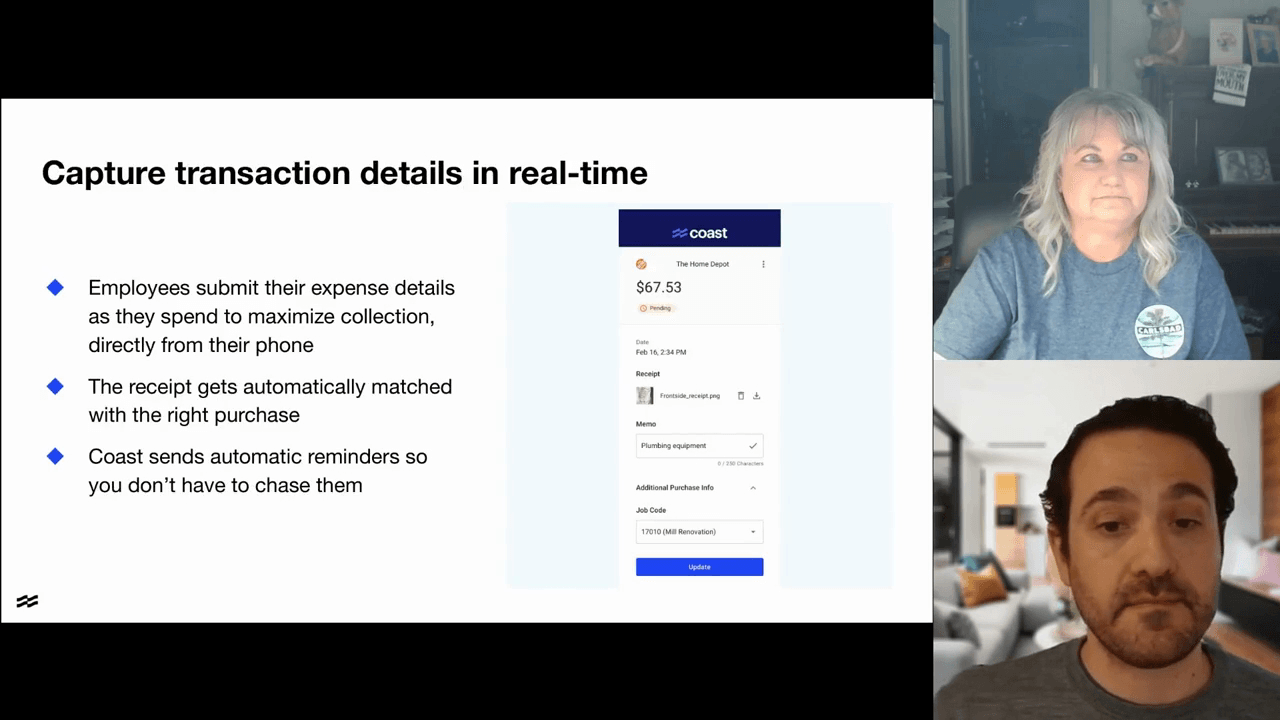
When a Coast cardholder makes a purchase, they get an instant text. They can reply with a photo of the receipt and a quick description, or click a link to fill out additional details like job codes or memos. Check out 14:45 in the video above to see this feature in action.
For Jennifer, this was a major change.
She manages 165 employees across four locations at First Impression Ironworks, with 15-20 people holding company cards. Before Coast, she spent hours every month tracking down missing receipts and calling Home Depot to figure out what “misc supplies” actually meant.
Now her team submits receipts and memos as they spend, no more end-of-month confusion.
Automatic transaction coding
Once receipts and details are captured in real time, the next bottleneck is coding and categorizing transactions.
Coast lets you set up rules to code transactions automatically. For example, every Home Depot purchase can default to “supplies” or fuel purchases at a specific station can tag to a certain department or vehicle. You set the rules once, and Coast applies them going forward.
Jennifer walked through how she uses these dropdowns and automations at the 23:30 mark. The result is consistent coding without having to touch every transaction manually.
Accounting that doesn’t require rework
Once transactions are coded, they’re ready to move into accounting.
Coast syncs directly with QuickBooks (Online and Desktop), NetSuite, and Sage Intacct, reducing the need for exports, imports, and double checking. Once your transactions are coded, they flow into your accounting system with a few clicks.
Companies using these features close their books an average of 1.5 days* faster.
The bottom line: control without the chaos
Jennifer is no longer chasing receipts, manually entering data, or coding transactions. And she’s certainly not calling vendors or spending hours on websites to decode cryptic purchase descriptions.
With Coast, you get:
- Real-time receipt capture
- Automatic transaction coding
- Direct sync to your accounting system
- Complete visibility into spending as it happens
These features are included in your Coast account at no additional cost.