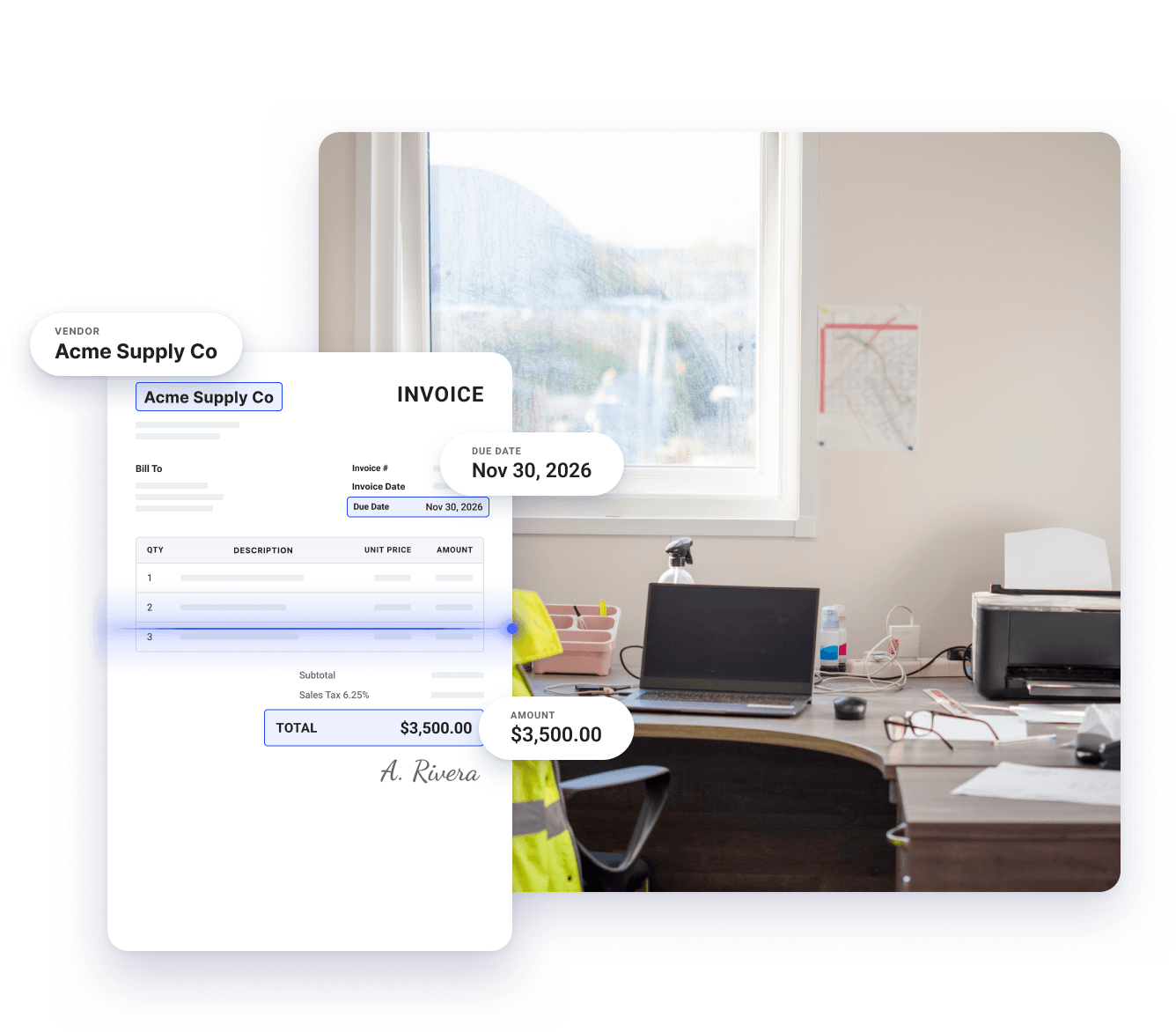
Coast reads each invoice as it arrives and automatically pulls the vendor, amount, and due date. Bills reach your approvers complete and ready to review without anyone having to type those details in.

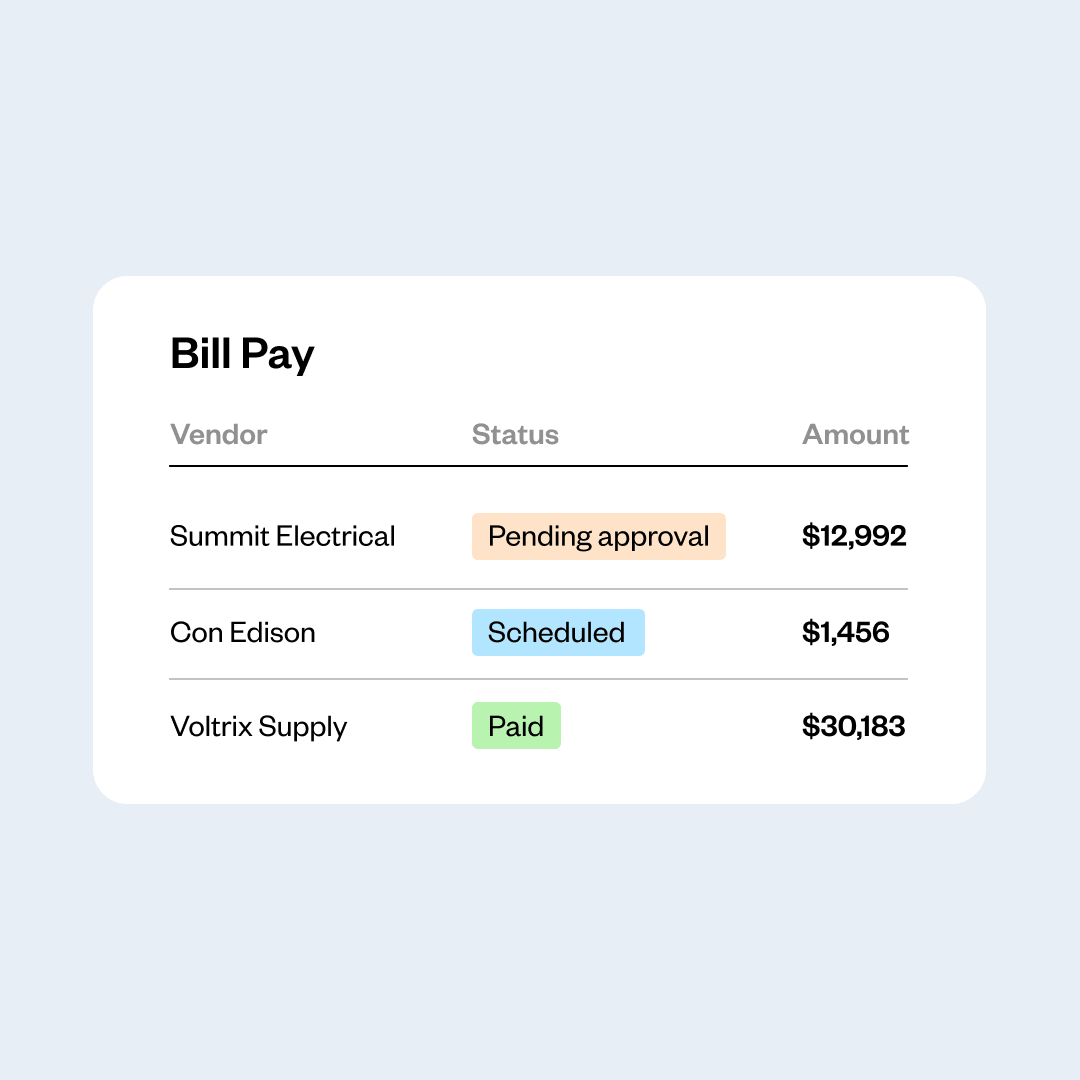
Bill Pay
Invoice approval software built for businesses with fleets
Coast gives trades and construction businesses a straightforward way to review, approve, and pay vendor invoices. It captures invoices and routes them automatically to the right approver, so payments go out on time.
Submit invoices by email, upload, or photo
Approval rules by amount, vendor, or job
Approve invoices from any device
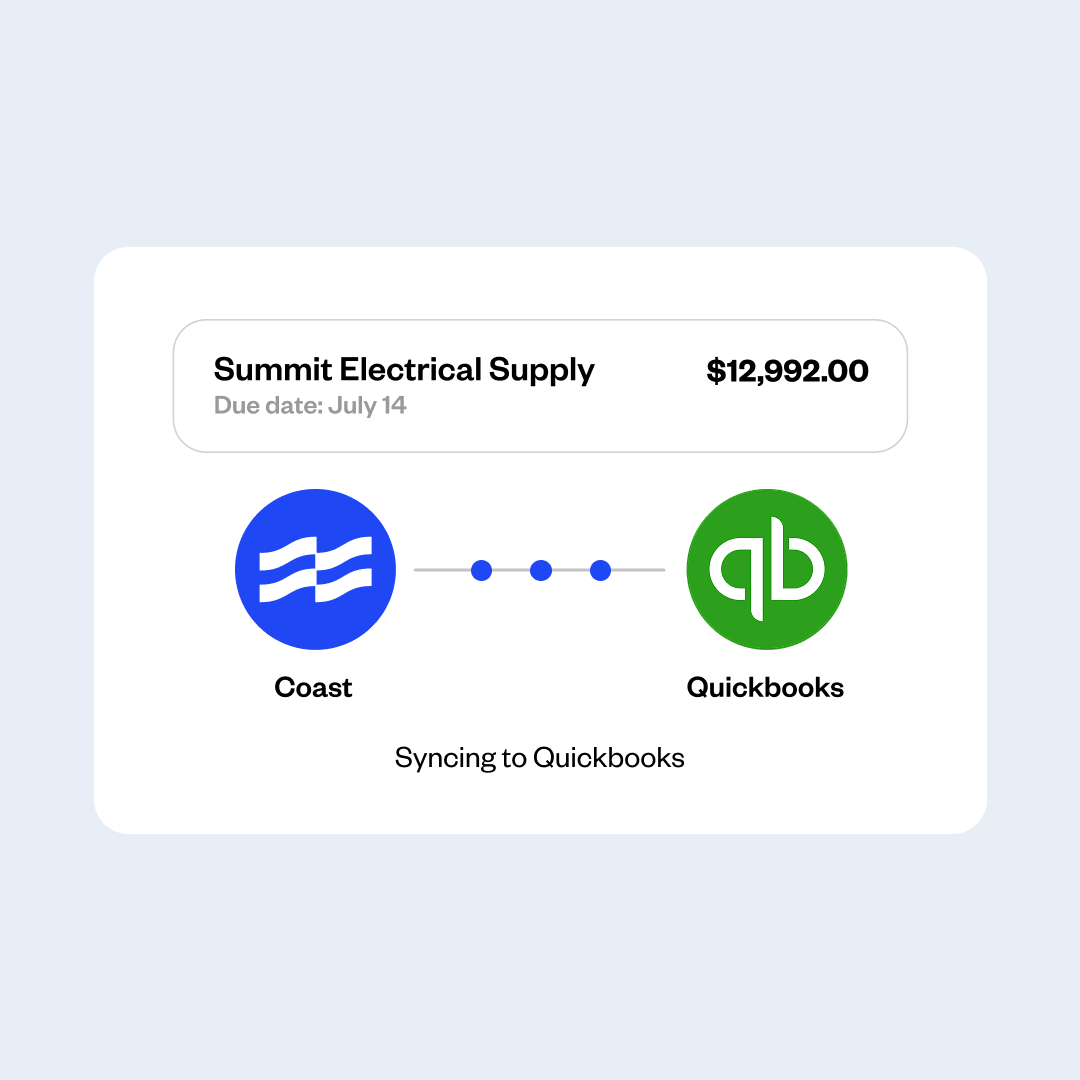
QuickBooks Online sync
The trouble with a manual invoice approval system
Manual invoice processing costs you more than just time. Your money and reputation is on the line.
Human error
A manual process makes it easy to add an extra zero, drop a digit, approve the same invoice twice, or pay the wrong vendor. Most of these mistakes surface weeks later, after the money is gone.
High operating costs
Your team spends paid hours sorting invoices, recording details, chasing approvals, and filing paperwork by hand. The more vendors you work with, the more those hours cost you.
Payment delays
Invoices sit in an inbox until someone gets to them. You miss early payment discounts, pay late fees, and give vendors a reason to put your jobs behind someone else’s.
AI-powered bill capture
Invoice details captured automatically
Job and project cost tagging
Track costs job by job
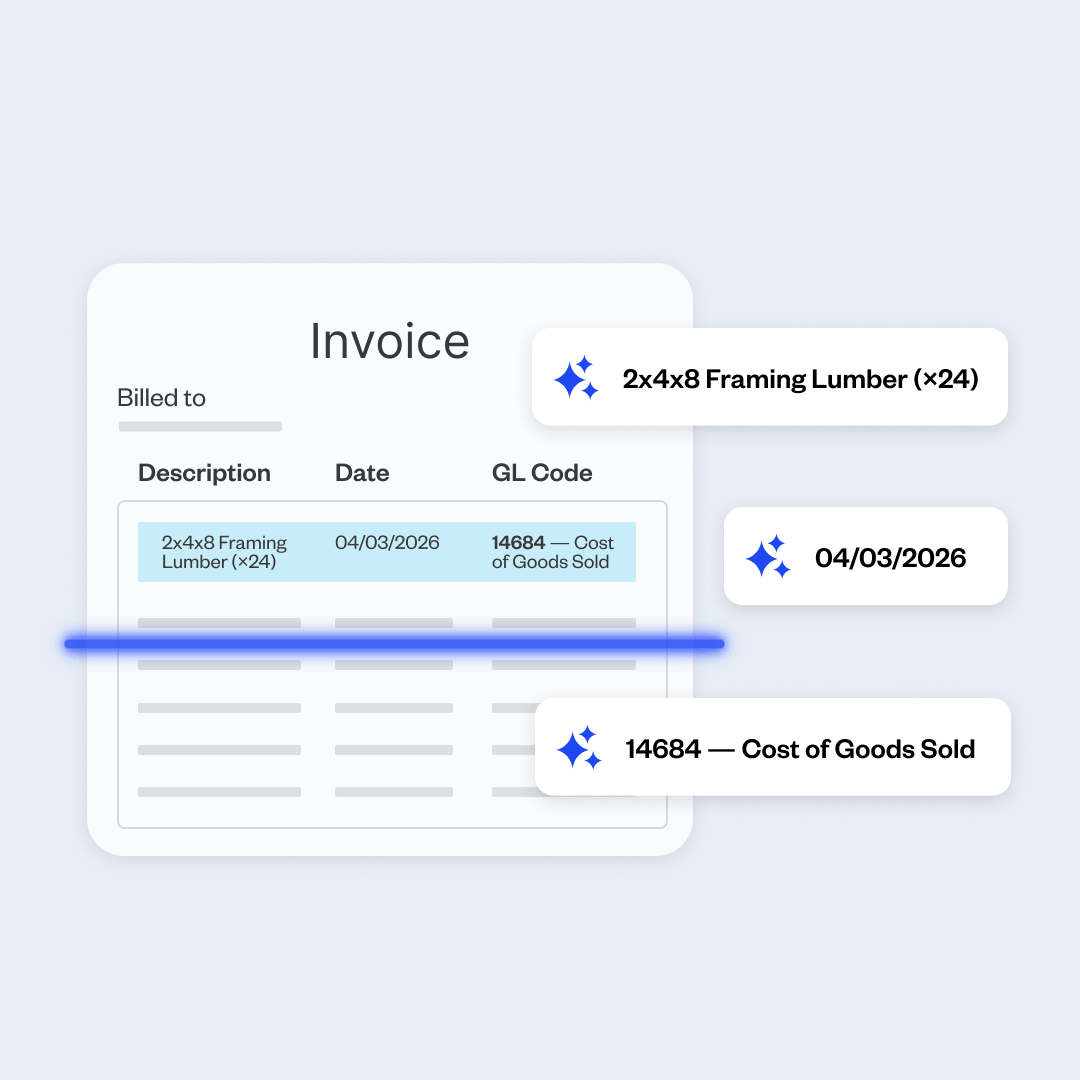
Bills get coded to jobs as they come in, so you know exactly what each job costs without having to do the math yourself.
Approval workflows
Stop chasing approvals
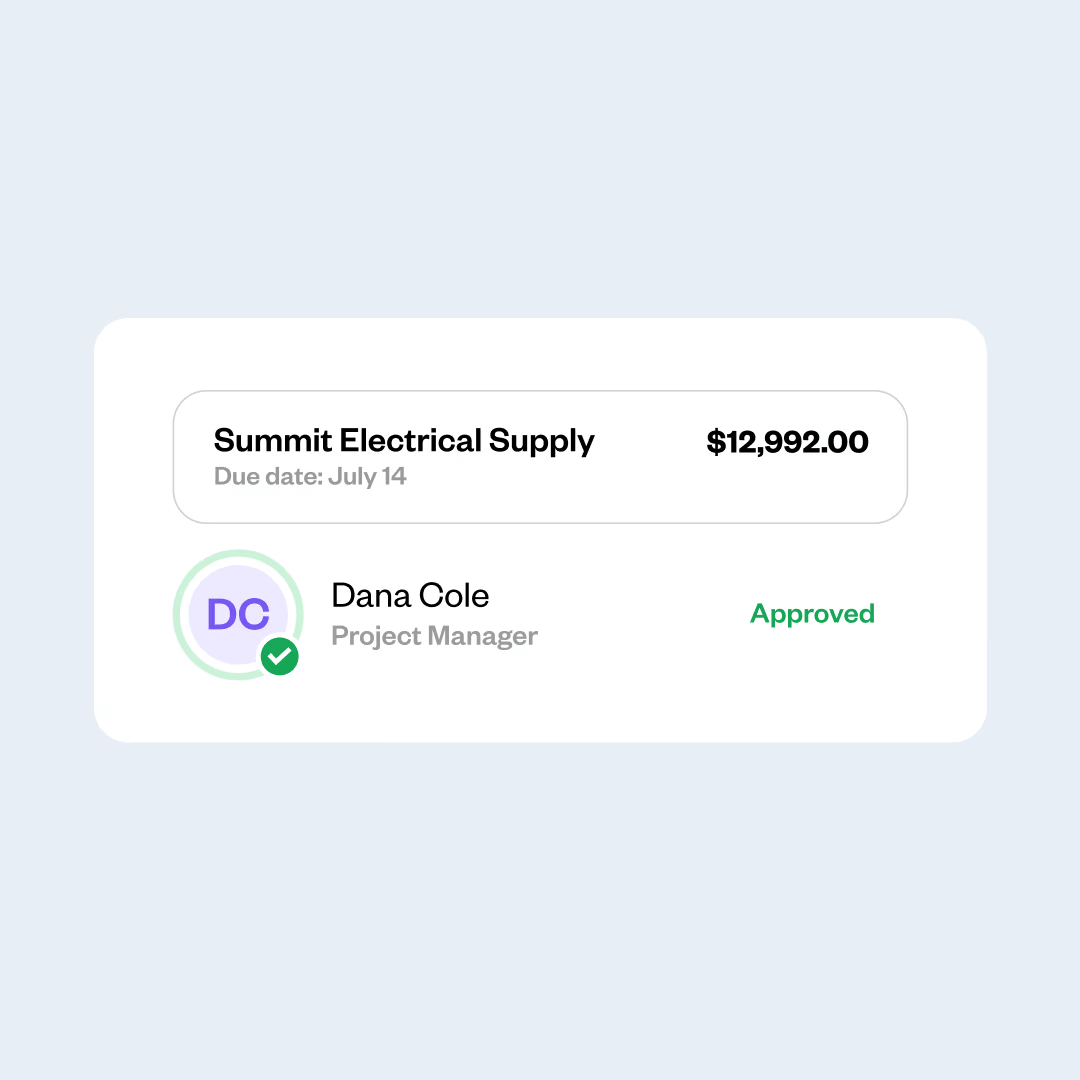
Set rules for who approves which invoice. Coast instantly applies these rules and routes each invoice to the right person, who can review and approve it from wherever they are.
QuickBooks Online sync
Close the month faster
Bills and payments flow into QuickBooks Online automatically, keeping your books accurate and making month-end go faster—without anyone having to re-enter information.

“Coast Bill Pay saved me 2 to 3 hours a week of just going behind my team to make sure they approved their invoices.”
Kolby Bonds
Nexus Pool Management
FAQs
What is invoice approval software?
Invoice approval software is a tool that collects the invoices your vendors send, sends each one to the person who needs to approve it, and keeps a record of every decision.
Instead of forwarding invoices by email and waiting for a reply, you set rules for who approves what, and the software applies those rules to every invoice that comes in.
How does invoice approval workflow software work?
An invoice arrives, either by email, by upload, or as a photo from someone in the field. The software reads the invoice and extracts the vendor name, invoice number, amount, and due date.
It then checks the invoice against the rules you set and sends it to the right approver, who gets an alert and can review the details on any device.
Once that person approves it, the invoice is cleared for payment, and the record of who approved it stays available for as long as you need it.
What is an accounts payable workflow?
An accounts payable workflow is the series of steps a bill goes through from arrival to payment. A typical workflow includes receiving the invoice, entering its details, matching it against an order or receipt, routing it for approval, paying the vendor, and recording the transaction.
AP workflow software automates these steps so each bill moves through the process without manual handoffs.
How does Coast Bill Pay handle job costing?
Coast handles job costing by ensuring every vendor invoice, field expense, and fuel transaction is assigned to a specific project before it ever hits your accounting books. Because Coast manages vendor bills alongside fuel and employee corporate cards, all direct project costs are tracked in one dashboard, so you can see how money is being spent.
What's the best invoice approval software for businesses with fleets?
The right choice depends on what you need. Fleet businesses get the most from a platform that covers more than bills.
Coast is built for companies that operate fleets, such as construction, plumbing, and transportation. It combines AP automation together with fuel cards and corporate card expense management, so you manage bills, fuel, and card spend in one platform.
How do I get started with Coast Bill Pay?
Getting started is easy. Apply for Coast and connect your QuickBooks Online account to instantly import your Chart of Accounts, vendors, and active job codes.
Then, set up your dedicated Coast AP email inbox so the platform can begin automatically capturing, coding, and routing your vendor invoices for digital approval. The setup takes little time, and you can get up and running in days.
What are the benefits of electronic invoice approval software?
Electronic invoice approval helps in several ways:
- Less data entry. The software captures the vendor name, amount, and due date from each invoice, so your team doesn’t have to type them.
- Faster approvals. The right approver gets notified as soon as an invoice needs their signature.
- Fewer mistakes. The software pulls details right off the invoice, which reduces the chances of typos and duplicate payments that come with manual entry.
- Timely payments. When approvers sign off on invoices quickly, payments go out on time, and you avoid late fees.
- A complete approval history. Every decision is recorded with a name and a date, which makes month-end close and any future audit easier to get through.
How can I set up an automated invoice approval system?
Start by writing down how invoices move through your business today, including who approves what and at what dollar amounts. Then connect the email address your vendors send invoices to, so new invoices arrive in the system on their own.
Next, enter your approval rules, add the people who will approve invoices, and connect your accounting software so approved payments flow into your books.
Most businesses can complete this in a single sitting and start processing invoices the same week.
What should I look for in invoice approval software?
Here are some features to pay attention to:
- Automatic invoice capture. The software should be able to extract invoice details automatically rather than requiring your team to enter them.
- Pre-defined approval rules. You should be able to set your own approval rules and change them as your business grows.
- Mobile approvals. Check that approvers can review and sign off from a phone, which is important if they’re often in the field.
- An accounting integration. Confirm the software connects to the accounting system you already use, like QuickBooks Online, NetSuite, or Sage Intacct.
- Payment methods. Ideally, the invoice approval software should also allow you to process payments, so you don’t have to use two different platforms.
How much does invoice approval software cost?
Pricing varies widely. Some providers offer basic invoice approval for free and charge for automated routing and capture, often around $15/user per month (+ platform fees). Others charge for accounts payable as a standalone product, starting closer to $35/user per month (+ transaction fees).
When you compare options, ask what the per-user cost is, whether there are fees per payment, and whether the features you need require a higher plan.
How does Coast Bill Pay work with QuickBooks Online?
Coast Bill Pay integrates directly with QuickBooks Online (QBO) to automate your accounts payable workflow. Instead of manually re-keying data into your accounting software, your invoices and payments flow directly from Coast into QuickBooks, keeping your records accurate in real time.
 Apply in minutesNo personal guaranteeWon't affect your credit score