Teams with manual AP processes spend hours every month exporting files and matching them against the ledger by hand. Coast, however, posts completed transactions and payment details to QuickBooks Online automatically, so your records are up to date when you’re ready to close.

QuickBooks AP Automation for Trades and Transportation Businesses
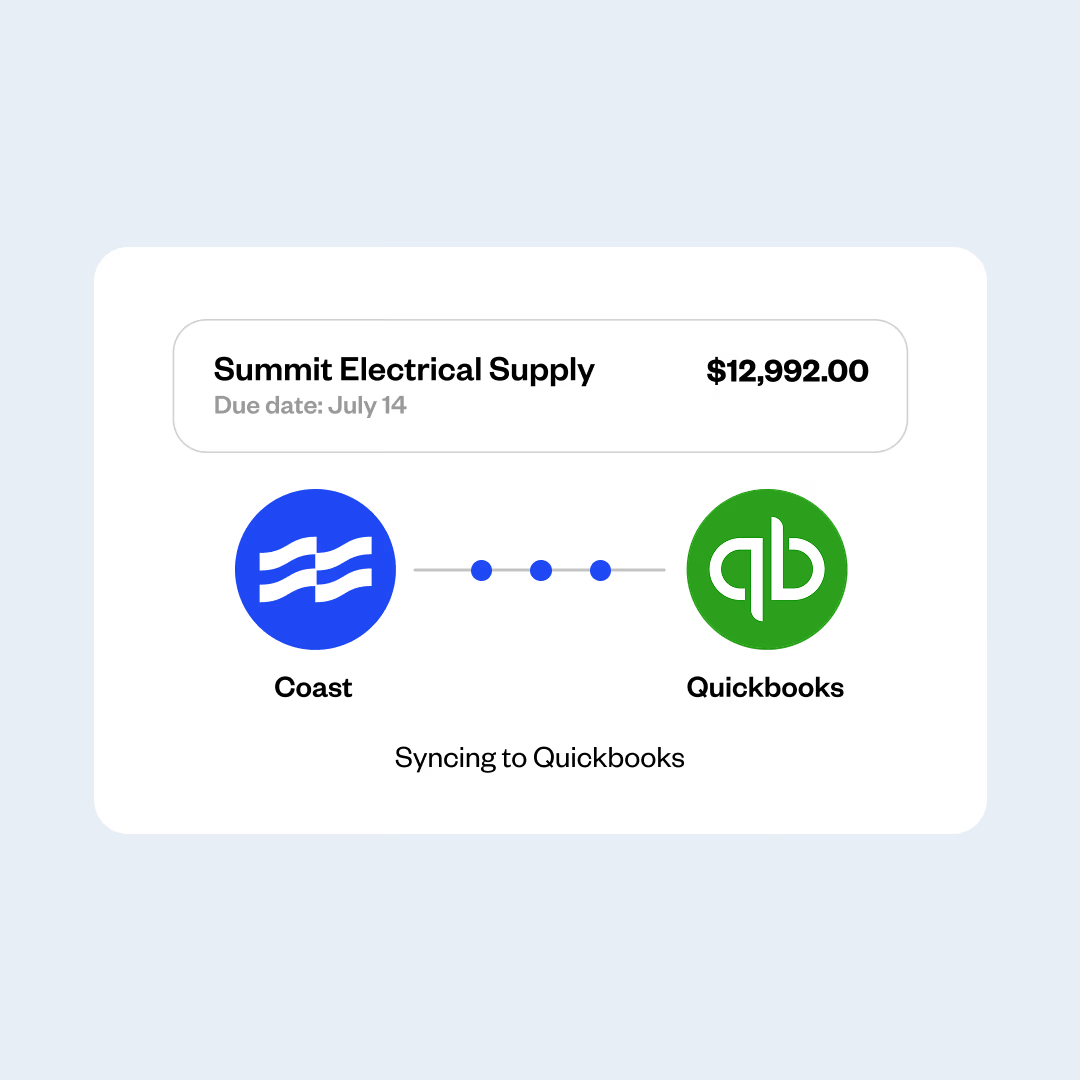
Coast Bill Pay integrates natively with QuickBooks Online and sends every completed bill and payment into your books, so your team never enters the same information twice.
Bills and payments sync to QuickBooks Online
Job-level cost tracking
Fleet spend and vendor bills in one view
No CSV exports or manual uploads
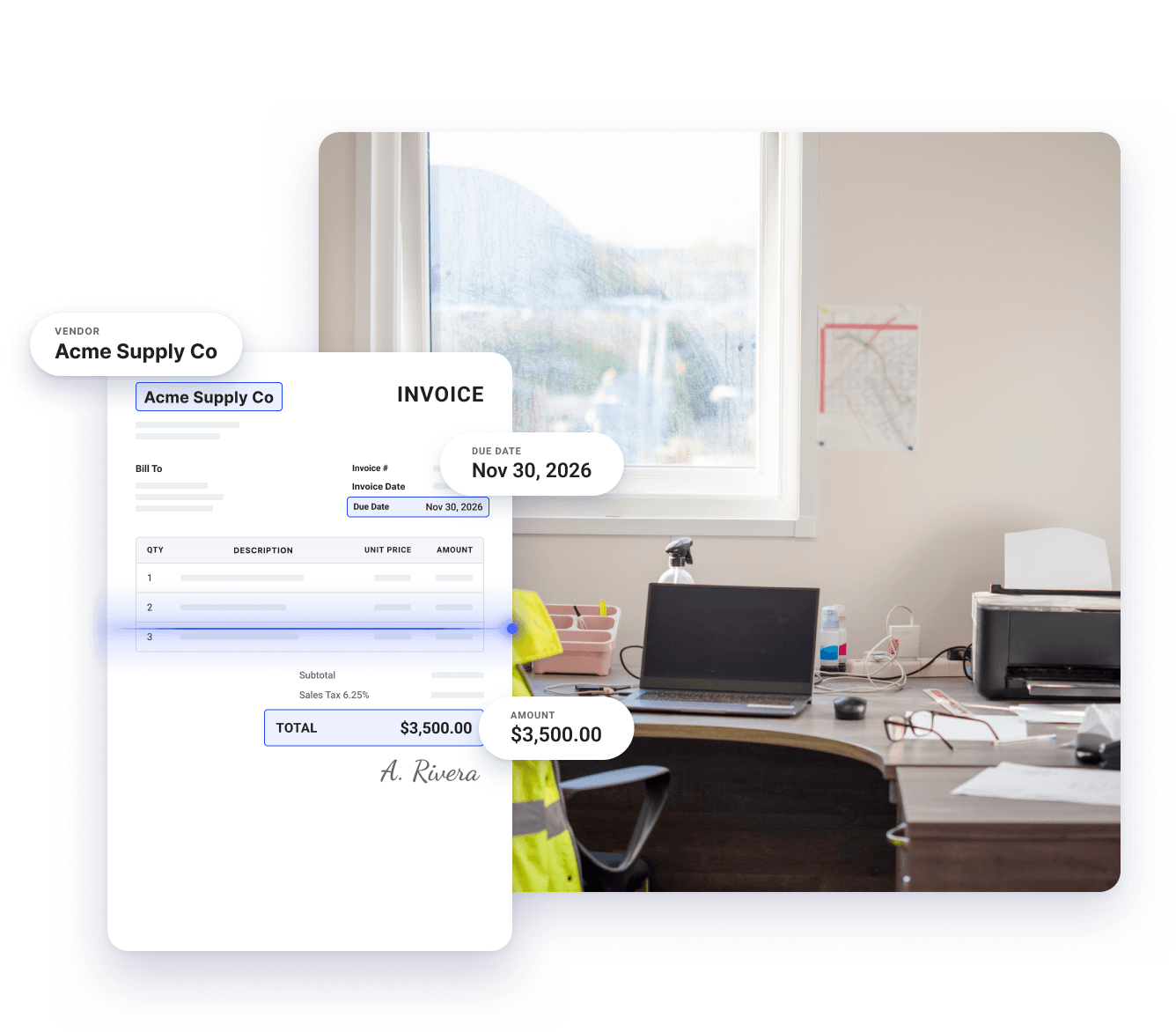
Smarter AP automation for businesses with fleets and field crews
Coast handles your vendor bills from the moment they arrive through the moment they're paid, saving your team hours each month and keeping your books accurate.

Invoice details captured automatically
Coast’s built-in AI scans each invoice as it arrives and automatically extracts details like vendor name, line items, amounts, and due dates, so your team doesn’t have to spend hours typing them in.

Route every invoice to the right approver
Coast lets you set the right approver for each bill, which helps reduce unauthorized payments and tighten internal fraud controls.

Automatic sync with QuickBooks Online
Instead of exporting CSV files and uploading them to your ledger, Coast automatically pushes every transaction, bill, and payment into QuickBooks Online. This accelerates your month-end close and keeps your financial records accurate and audit-ready.
How Coast works with QuickBooks for seamless AP automation
Step 1
Upload and extract
Send invoices to Coast by email or upload your bill. Coast's AI reads the invoice and immediately extracts the vendor, line items, amounts, and due dates—eliminating manual data entry.
Step 2
Approve
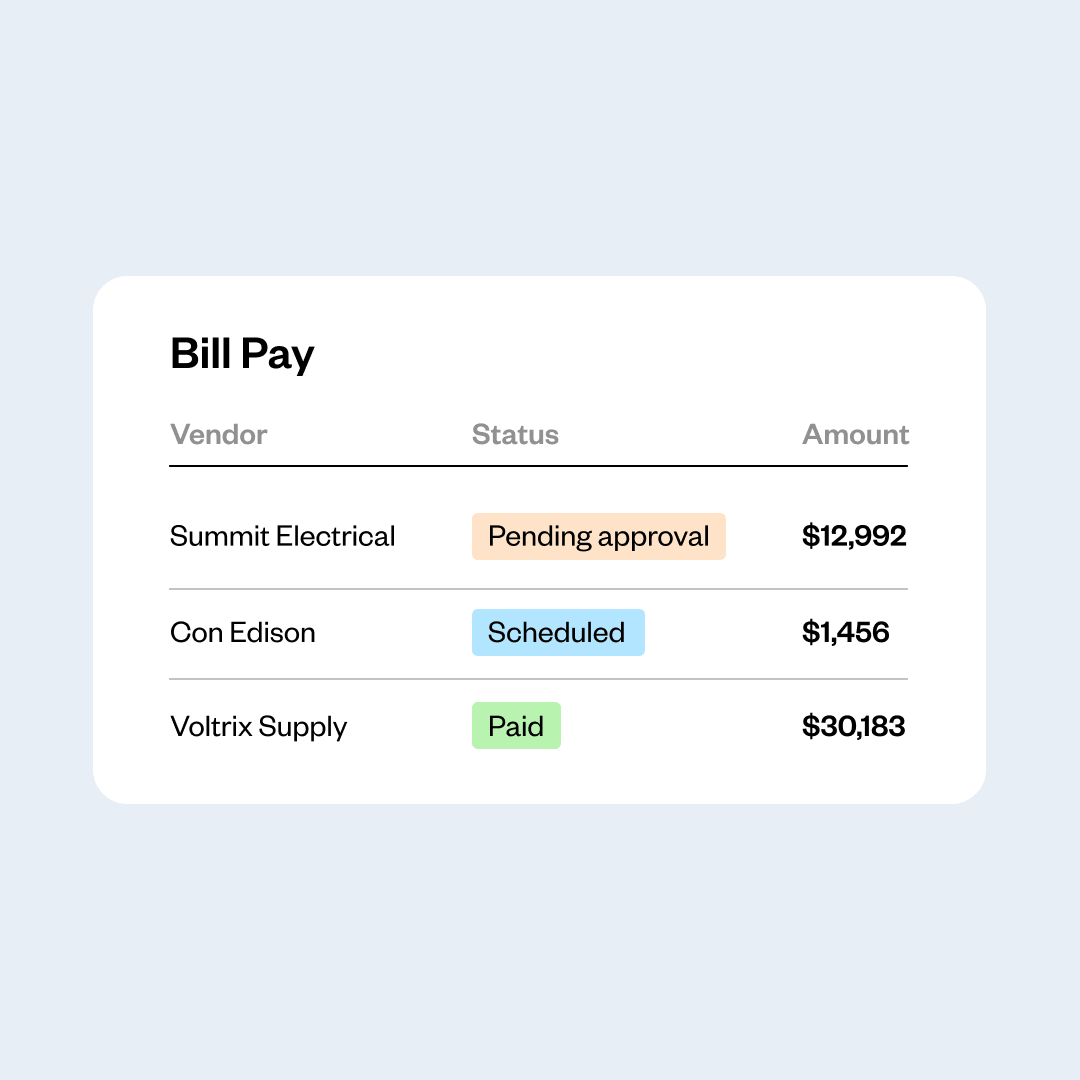
Coast routes each invoice to the right approver based on the rules you set. The approver gets a notification and can review and sign off from their phone or computer, wherever they are.
Step 3
Pay and sync to QuickBooks
Coast pushes the transaction, the vendor payment, and the line-item details into QuickBooks Online, and updates it at every stage. Your ledger stays current and audit-ready, without your team having to re-enter these details.
Automated QuickBooks sync
Close the month without chasing paperwork
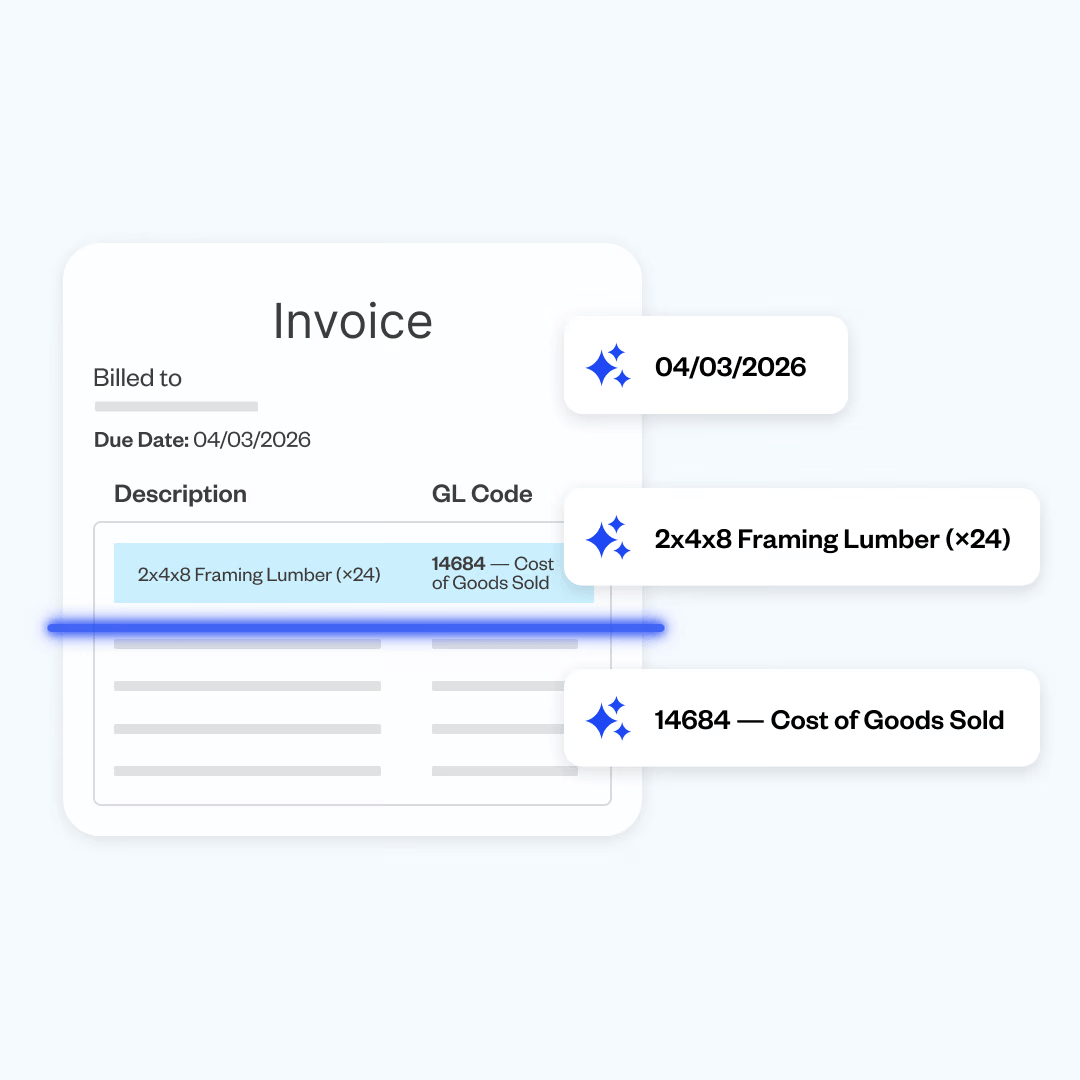
Auto-populated QuickBooks coding
Code bills with the categories you already use
Coast imports your existing chart of accounts, classes, and job codes from QuickBooks Online, so your team tags invoices with the categories you already use and every bill arrives in your ledger coded correctly.
Unified job cost reporting
Know the full cost of every project
When field spend and vendor invoices are tracked in separate systems, it’s hard to figure out a job’s real cost. Coast tracks fuel, fleet expenses, and vendor bills in one dashboard, so you can see exactly what a project costs at any time.
Built for the tools your business already runs on
Coast combines detailed transaction data with fleet and field integrations to give fleet-based businesses a bird’s-eye view of spending across vehicles, crews, and jobs.
One view of all fleet and business expenses
Coast tracks fuel expenses and non-fuel spending, such as vehicle maintenance and repairs, tire rotations, oil changes, parking, and tolls. It displays this data alongside vendor invoices, so you can see all your expenses in one place without using spreadsheets or exporting files.
Coast also flags unusual spending and vehicle inefficiencies in real time, so you can catch issues early.
Your systems, connected
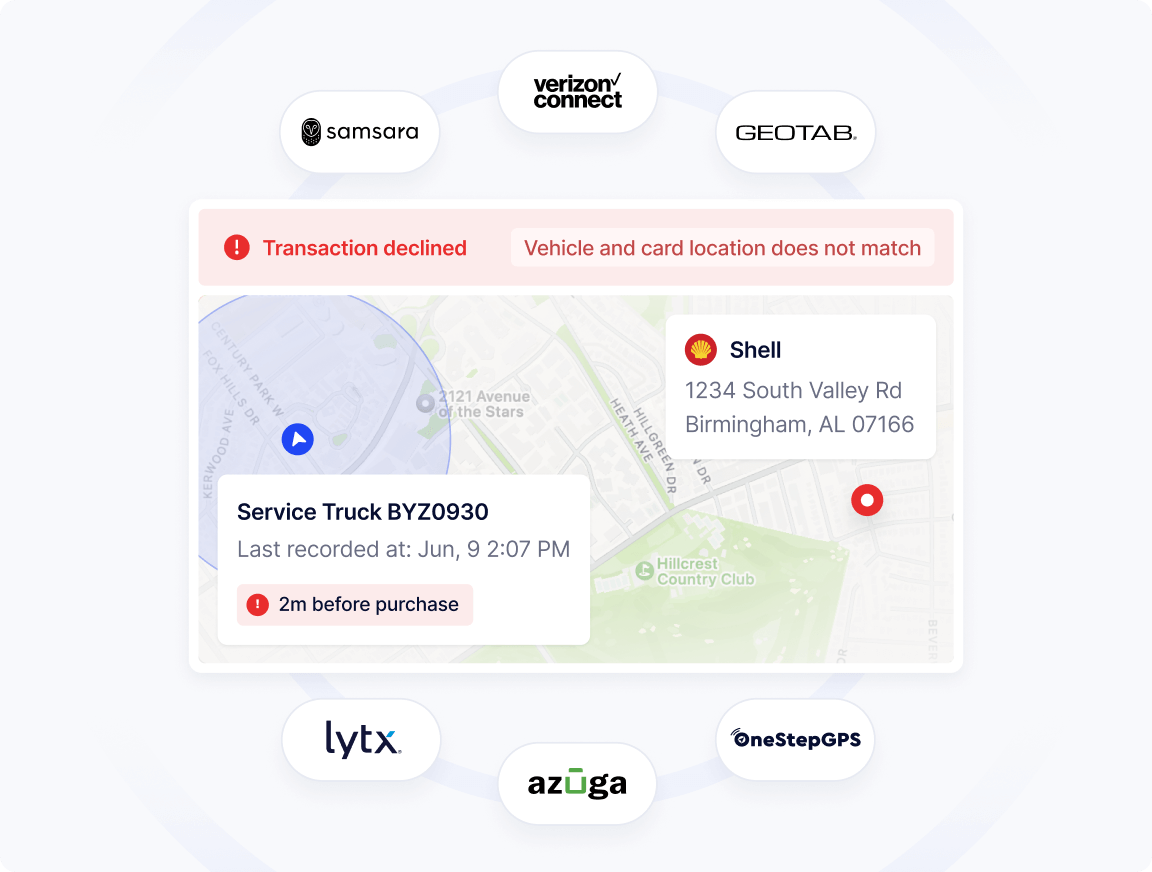
Coast integrates with telematics platforms to confirm that a vehicle is physically at the pump before approving a transaction. It connects with tools like Fleetio and Whip Around to sync maintenance transactions, cost per mile, and miles per gallon to the right vehicle.
Coast also connects to accounting platforms to automatically reconcile transactions and receipts, so nobody is keying in transactions or chasing receipts at month end.
Cut the manual work out of your AP process
Handling AP inside QuickBooks Online often means manually typing invoice details, chasing approvals over email, and entering payment details after the fact.
Coast takes that work off your team. It automatically extracts details from invoices, routes them to the right approvers, and then posts completed transactions to QuickBooks Online without manual input from your team.
Frequently Asked Questions
How do invoices get into Coast?
Your team can email invoice PDFs to Coast or upload a photo from a phone. Coast’s AI reads each document and extracts the vendor name, line items, amounts, and due dates, so nobody keys in bill details by hand. Your team reviews the coding and Coast routes the bill to the right approver.
For construction businesses, that also means each invoice gets tied to the job it belongs to, so you can see your project costs as the job is underway.
What specific QuickBooks fields can I sync with Coast?
Coast syncs your essential accounting structures to ensure matching data, including your Chart of Accounts (GL codes), vendors, classes, and customers/jobs. This allows your team to tag expenses inside Coast using the exact tracking categories you already use in your accounting software.
Can I set up custom approval workflows for bills?
Yes. Coast allows you to build multi-level approval chains tailored to company rules. You can automatically route invoices to specific project managers or department heads based on the job site, the vendor, or the dollar amount of the bill before any payment is authorized.
Can I track field card expenses and office invoices in Coast?
Yes. Coast combines both corporate card transactions and AP invoices into a single, shared job-level dashboard. By applying the same customer or job codes to virtual card charges and vendor bills, your finance team can view the total real-time overhead of a project in one place without merging separate spreadsheets.
Coast also declines fraudulent transactions automatically, and offers up to $25,000 per year in backup against fuel theft and card misuse when advanced security features are enabled (eligibility and terms apply).
Do I need to find Coast on the Intuit App Store to connect it?
No. Coast connects directly through a secure developer API mapping tool located right inside your Coast administration dashboard. You don’t need to browse the public Intuit App Store to initialize the integration; you can securely link your QuickBooks Online account in just a few clicks from your Coast settings.
 Apply in minutesNo personal guaranteeWon't affect your credit score