

No one would blame you for feeling burnt out on a haphazard month-end process. Chasing invoices down, rushing to get approval for payment, and doing it all before the deadline would make even the most unorganized person seek a better way forward.
For AP, that comes in the form of an invoice approval workflow, where every invoice follows the same path, every approver knows what’s expected of them, and nothing gets paid without the right sign-off. No more forwarding a bill three times because you’re not sure who’s supposed to see it. No more finding out an invoice was paid twice because two people approved it without know about each other. And no more scrambling to figure out what’s still outstanding.
It starts with mapping how invoices actually move through your organization, then building rules around what you find. Here’s how to set up and automate your very own invoice approval workflow.
What is an invoice approval workflow?
An invoice approval workflow is a structured process within accounts payable (AP) that manages the review, approval, and payment of vendor invoices. When optimizing an invoice workflow, you are automating the process from invoice receipt to payment, eliminating time-consuming manual data entry and providing greater visibility into cash flow and upcoming payments across your organization.
The exact invoice approval workflow your organization adopts depends on a few factors, including:
- team size
- growth stage
- invoice volume
- industry
For example, early-stage startups may have a single manager who reviews, approves, and pays each vendor invoice. More regulated industries, such as government agencies and healthcare providers, often have more involved processes to ensure compliance.
The problem with manual invoice approval workflows
Manual invoice approval workflows can make invoice processing time-consuming for AP teams. During month-end close, workloads are already high, and teams end up spending extra time chasing approvers or following up on missing or unpaid invoices. As invoice volume grows, this process becomes harder to manage and often leads to payment delays and errors.
The biggest challenges typically fall into these four areas:
- No audit trail. When approvals occur via email, Slack, Microsoft Teams, or verbal conversations, there’s no centralized record of who approved an invoice, when, or whether the right stakeholders were involved. Without a clear audit trail, AP teams have to spend time resolving questions after the fact.
- Duplicate or late payments. When invoices are managed through disconnected tools and manual follow-ups, they’re more likely to be overlooked, approved more than once, or paid late. Duplicate payments create additional work to recover funds, while late payments can damage vendor relationships and create avoidable fees.
- Limited or no visibility. Without a centralized approval process, finance leaders and controllers often lack visibility into which invoices are pending approval, how much money is owed, and total outgoings. Having limited or no visibility makes it harder to forecast cash flow and prioritize payments.
- Processes don’t scale with growth: A manual workflow might work for teams handling a few dozen invoices each month, but it can quickly break down as invoice volumes grow into the hundreds. Managing invoices across multiple job sites or locations adds even more complexity, creating more opportunities for delays, errors, and bottlenecks.
Without a more structured invoice approval process, organizations often find that a workflow that once felt manageable becomes a barrier to sustained growth.
What you need to know before setting up an automated invoice approval workflow
Before automating your invoice approval workflow, take the time to audit your current process. When you understand how invoices move through your organization, it will help you build an automated workflow that fits your team’s actual needs rather than assumed ones.
You can get started by defining these key elements:
Your current process
Since you can’t automate steps you haven’t yet defined, begin by fully mapping out your existing process. Look at how invoices are currently being received at your organization, who on your team reviews them versus who approves them, and how payments are made.
If you’ve been relying on manual invoice approvals, you likely already know where some bottlenecks exist, but documenting the full process will help you identify gaps and create a workflow that actually works for your business.
Your approval thresholds and roles
Next, decide on your approval thresholds and who on your team is responsible for approving invoices. Having clear roles in place ensures that every invoice reaches the right stakeholder before payment is released and helps prevent delays caused by manual errors.
Even if your team is small, it’s worth assigning backup approvers in case the primary approver is on PTO or otherwise unavailable.
Your go-to system of record
Ahead of setting up your automated invoice approval workflow, decide which system will serve as the single source of truth for all invoice and payment data.
You’ll also want to confirm which accounting system your workflow needs to connect with. For example, integrating with QuickBooks Online allows approved invoice and payment data to sync automatically. This integration reduces manual data entry and keeps financial records accurate and up to date.
Your payment process
Finally, decide which payout methods you will use to pay invoices. ACH, checks, and wires are all common payout methods, and each has its own processing times and requirements. Understanding your vendors’ preferences and payment timelines will help you build a workflow that keeps approvals and payments moving efficiently.
How to set up an invoice approval workflow using coast
The next step is putting your new process into action. Platforms like Coast help automate the entire invoice processing workflow from invoice capture and approvals all the way through to vendor payments and reconciliation. Here is what getting an automated AP approval process started looks like.
Step 1: Capture invoices automatically
Getting started with Coast is easy and takes just a few minutes. After signing up, Coast will prompt you to connect your account with an email inbox where vendors send their invoices. This might be an AP inbox, or another email address dedicated to receiving invoices. Once that email is connected, any invoice sent to that address will automatically be imported into your Coast account, rather than relying on a team member to upload each one manually.
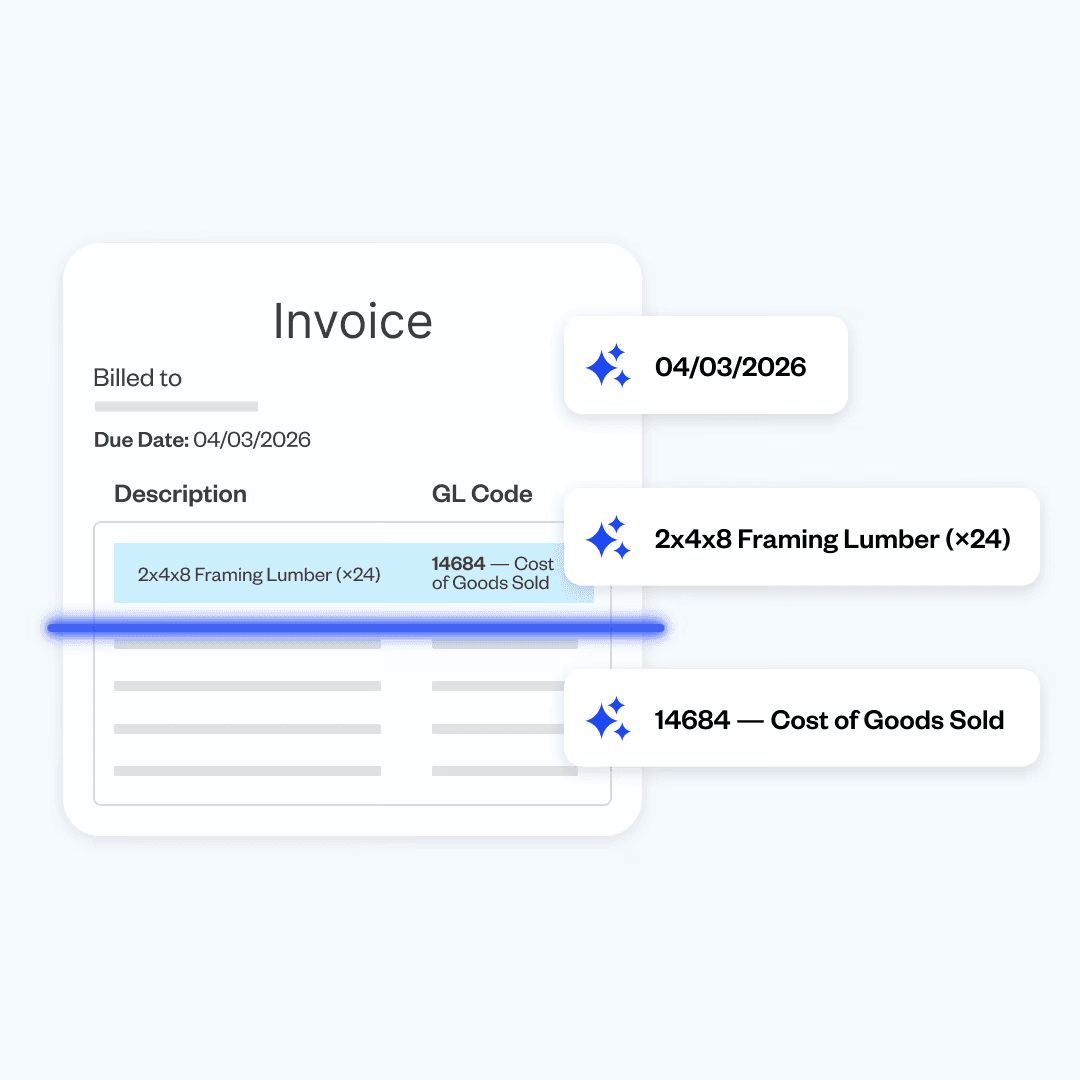
Coast’s AI then reads and captures key invoice details, including vendor information, the outstanding amount, line-item details, or the due date. This is all key information your team would otherwise need to enter manually, helping reduce the time employees spend logging and organizing new invoices.
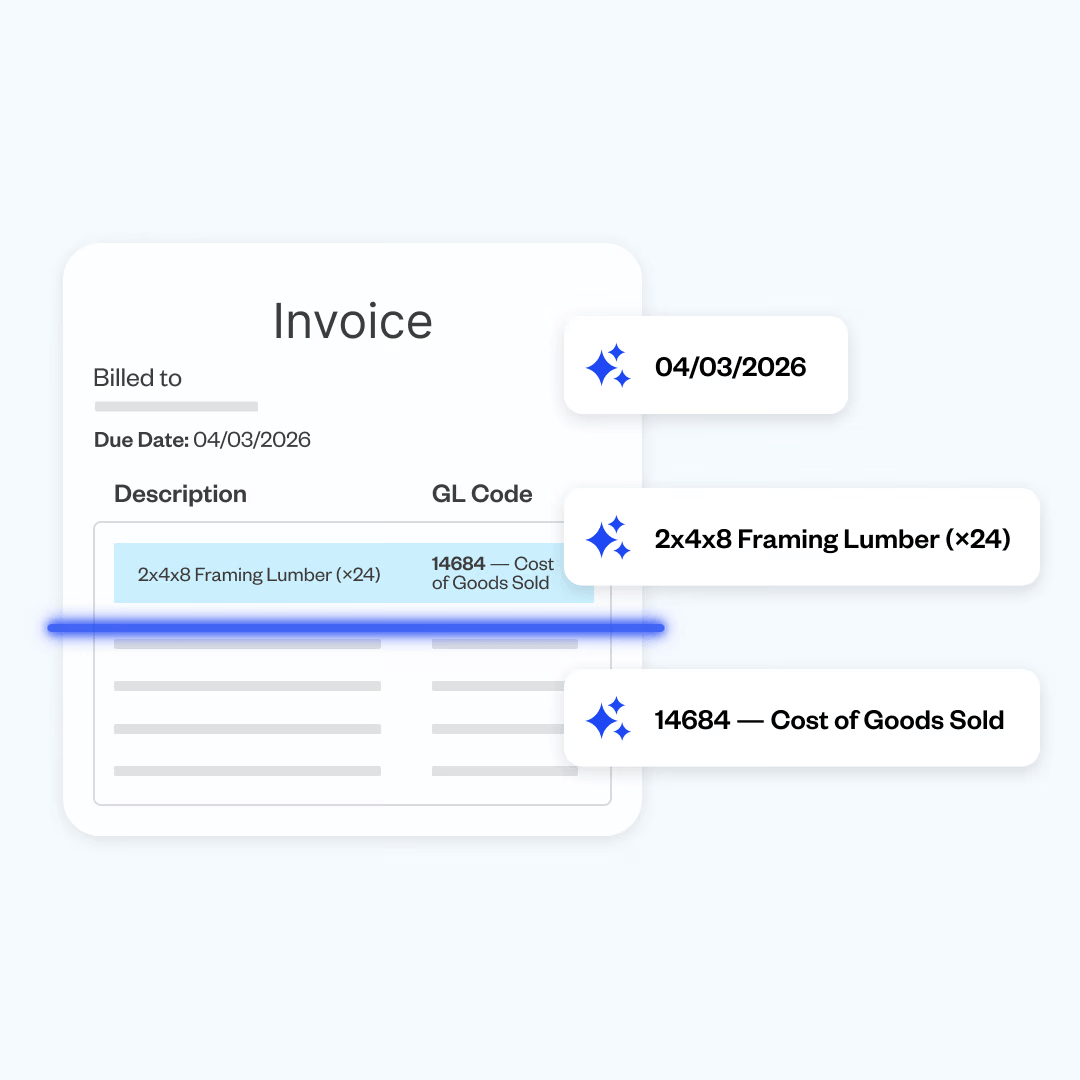
If an invoice doesn’t come through the connected inbox, that’s okay. Coast also supports forwarding, uploading, or photographing a bill directly. This way, every invoice can be captured in one place regardless of how it’s received.
Step 2: Route approvals automatically
After an invoice is captured, it is routed for approval. Coast lets you create custom approval rules within your account to streamline the process. Each bill is automatically routed to the right approver, who is notified and can review it from anywhere.
Some teams set up rules based on employee role, while others use dollar thresholds. For example, invoices under $1,000 may go to an operations manager to approve right away, while anything over $5,000 may require additional sign-off from the finance team. Thresholds are in place to ensure larger or higher-risk purchases receive additional review before releasing payment to the vendor.
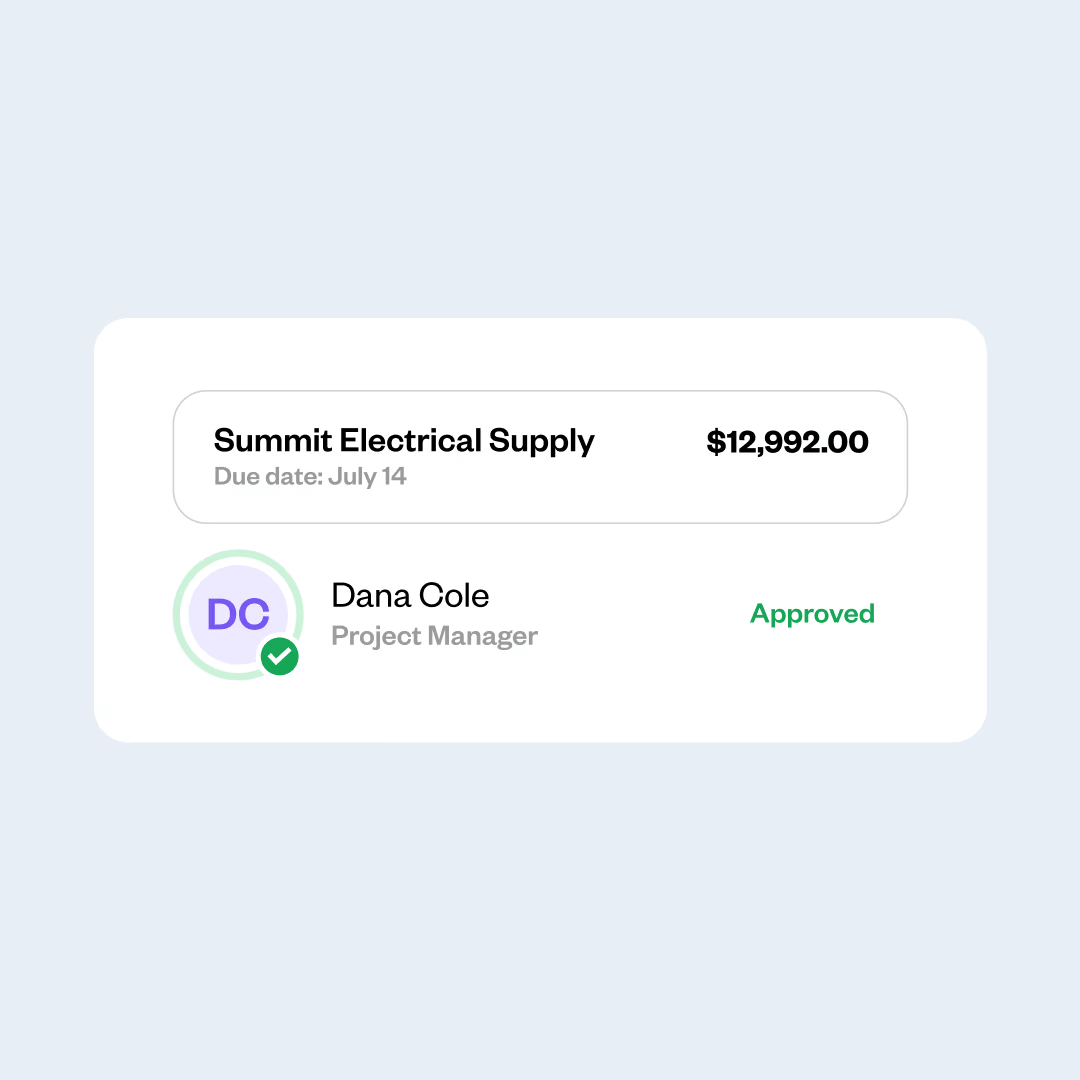
A payment won’t be released until every required approval has been completed, and Coast sends email reminders if approvals are still outstanding. In other words, nothing moves without approval, and nobody has to chase a manual signature.
Step 3: Pay and reconcile in one motion
This final step is what brings everything together. Coast keeps everything connected in one place, so your team has full visibility into what vendors have been paid and which payments are still pending.
After an invoice has been approved, you can choose how to pay your vendor, whether by ACH, check, or wire transfer. After a payment is made, Coast automatically syncs the payment details to QuickBooks Online. Coast also applies the correct coding automatically, so nobody on your team needs to re-enter payment information manually.
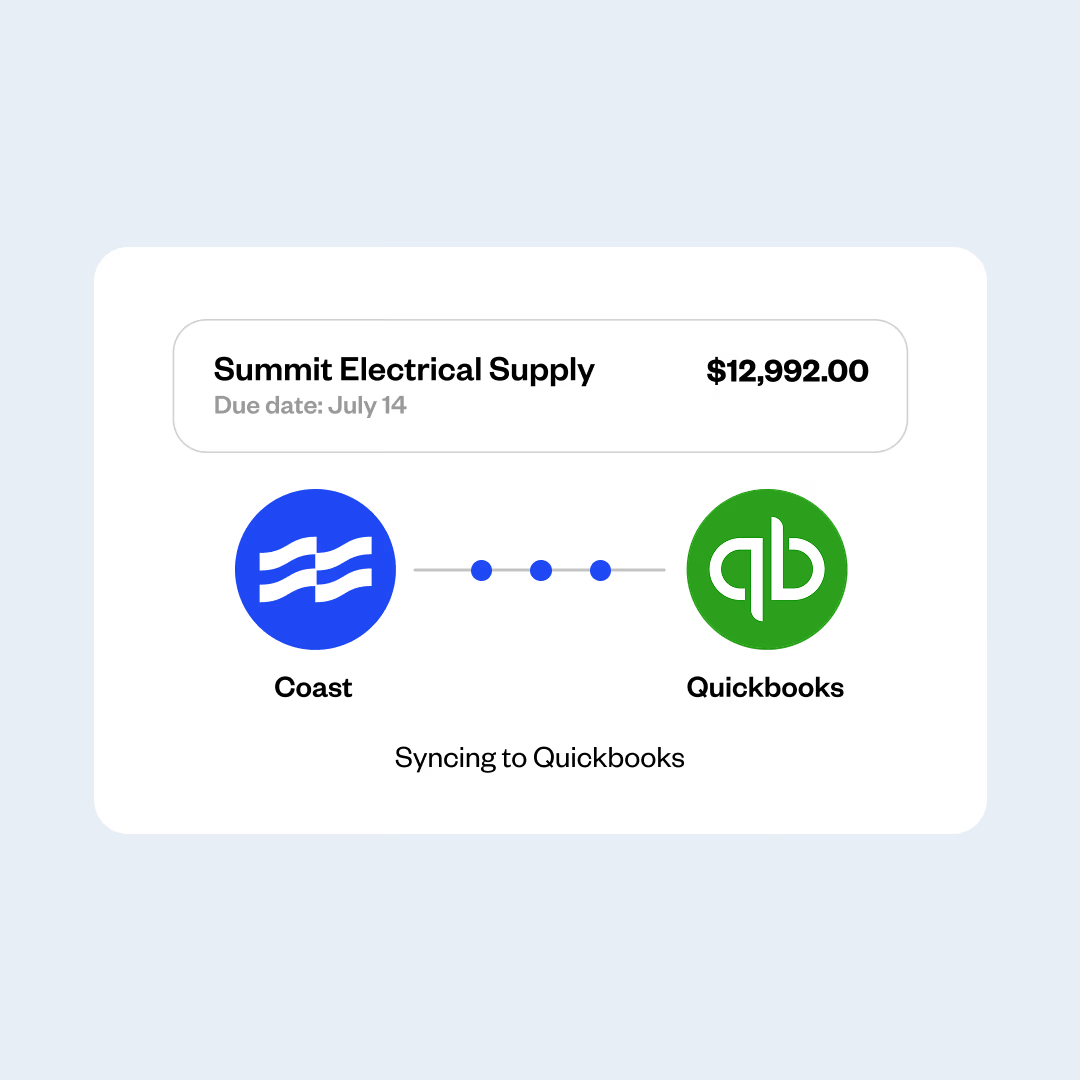
Because Coast syncs everything in real time, there’s less manual data entry and reconciliation work at the end of the month. Having invoice, payment, and accounting data all in one place reduces administrative work and the risk of data entry errors, helping finance teams close the books faster while keeping financial records accurate and up to date.
Learn more about Coast’s AP automation software and how it can bring fleet spend and vendor invoices into one easy to manage place
Why fleet and trade businesses need a dedicated AP invoice approval workflow
Fleet and trade businesses often manage a mix of vendor invoices and operational expenses, such as fuel, fleet costs, equipment, and employee expenses. A dedicated AP workflow helps these teams manage a high volume of invoices more efficiently, reducing the risk of delays or data entry errors.
Another layer of complexity comes from managing approvals across different teams, locations, and job sites. Many fleet and trade businesses in construction, transportation, and field service management operate across the board, and purchasing is often decentralized. Plus, a high volume of invoices across multiple locations adds friction to an entirely manual process. When approvals rely on manual processes, invoices can get stuck waiting for the right person to review them, something especially common for teams working in the field.
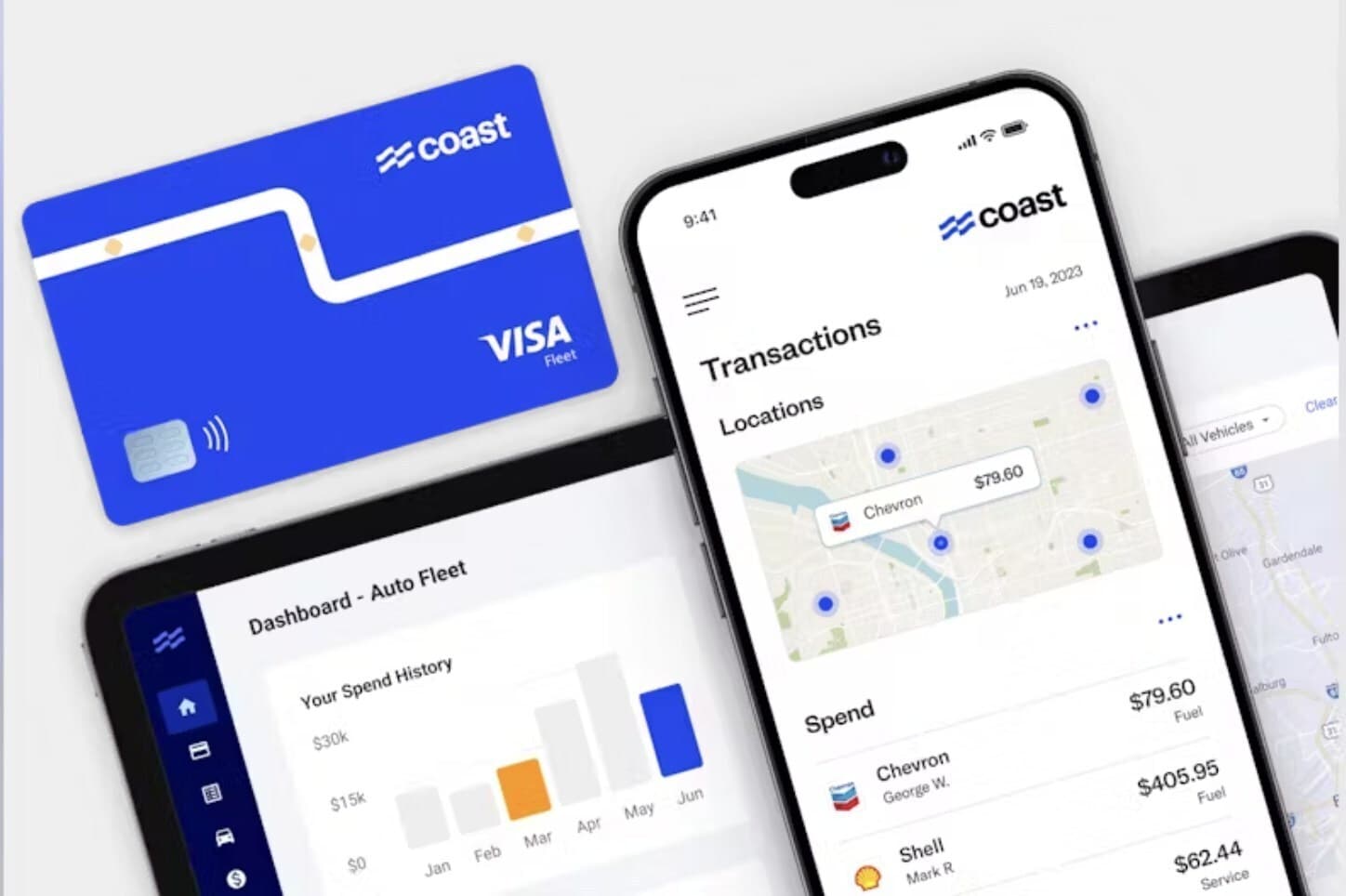
Coast brings these workflows together by combining bill payments, fuel and fleet cards, corporate cards, and expense management in a single platform. Rather than managing vendor invoices in one system and employee spending in another, finance teams can view and manage both from one place.
Get started with Coast Bill Pay
Fleet and trade businesses turn to Coast Bill Pay to create a single source of truth for their Accounts Payable. Coast automates invoice capture and approvals, creates a clear approval trail that anyone on the team can easily track, reduces software costs, and cuts down on the time employees spend on manual data entry. Businesses can also choose how they want to make payments, whether through ACH, check, wire, or Coast card.
Once your workflow is set up, invoices that are submitted, reviewed, approved, and paid can all be managed through Coast Bill Pay. If you need to make changes as your company grows and scales, you can adjust your workflow as needed without slowing down day-to-day operations.
See how Coast helps fleet and trade businesses manage invoices, payments, and fleet expenses in one place.
FAQs | Invoice Approval Workflows
How long should invoice approval take?
Straightforward invoices, like recurring vendor bills or invoices with clear approval requirements, can typically be approved in as little as a few hours. More complicated invoices or invoices that exceed your approval threshold will require additional sign-offs and can take several business days to process.
Using a platform like Coast lets you manage and automate vendor payments alongside the card expenses you already manage from the same platform, helping teams reduce manual follow-up and keep payments moving.
What's the difference between a manual and an automated invoice approval workflow?
Manual invoice approval workflows rely primarily on people on your team to approve each invoice and track spend through email, spreadsheets, or even paper documents. This might work for smaller teams, but as teams grow and invoice volume increases, setting up an automated invoice approval workflow can help speed up the process and cut down on human error.
Automated workflows leverage software to capture invoice details, route invoices to the right person for approval, and help manage vendor payments more seamlessly. They also provide better visibility into what invoices are still pending and what invoices have been paid.
How do I get started with an invoice approval workflow?
Start by mapping your current invoice approval workflow to understand where the biggest bottlenecks occur. From there, decide on your approval thresholds and assign a member of your team (and a backup person) to be in charge of all approvals.
Using a solution like Coast can help your organization automate the process, cut down on duplicate payments, and offer a single source of truth for all vendor payouts.