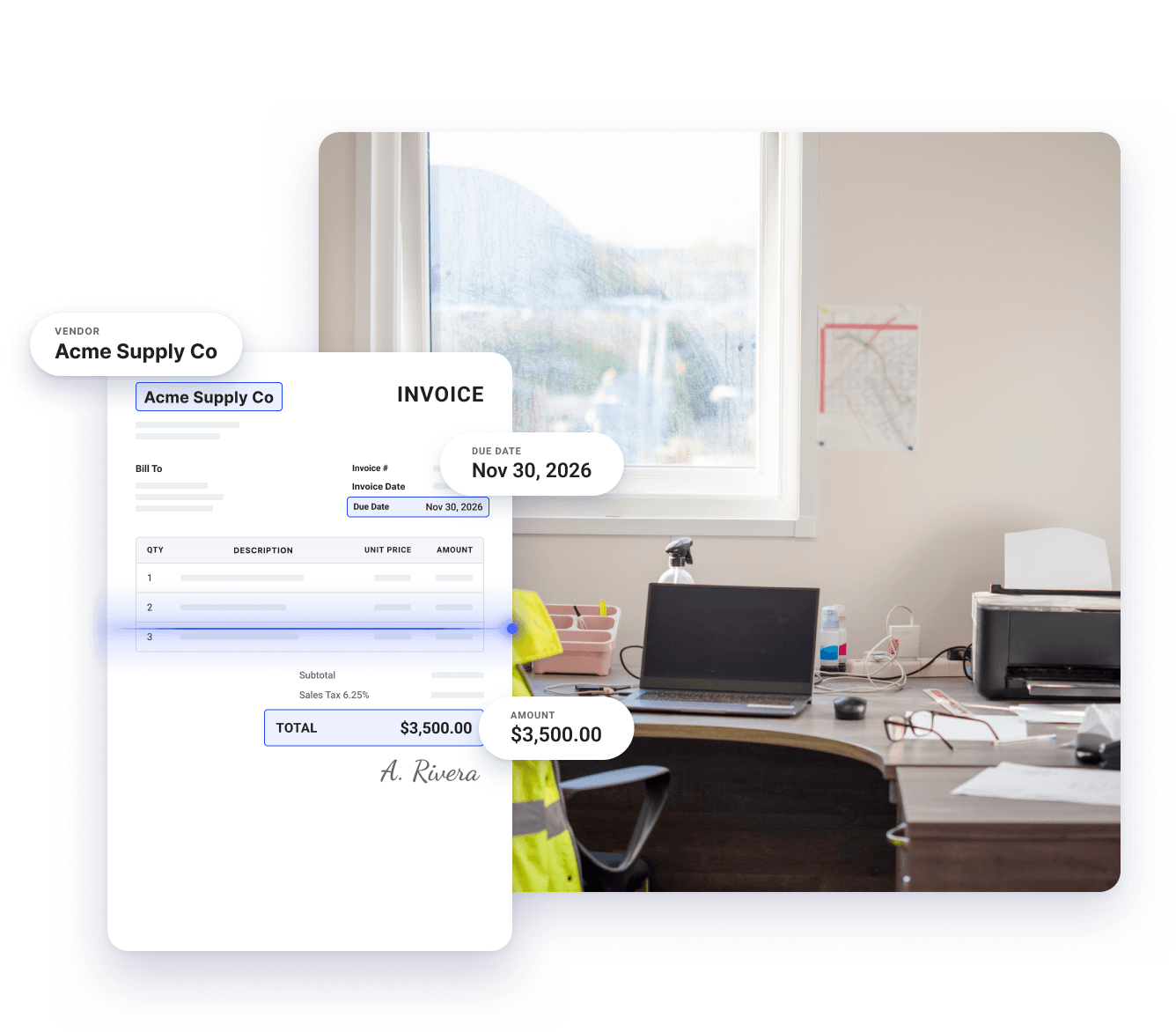
Coast scans each invoice the moment it arrives and logs the vendor, amount, and due date, so no invoice stays in an inbox waiting for someone to type it up.

Invoice Capture
Invoice scanning software built for trades and construction businesses
Coast’s AI scans every invoice your business receives and automatically extracts details like vendor name, invoice number, amount, and due date, so your back-office team doesn’t have to enter information by hand.
Invoices captured by email, upload, or photo
Approval rules by amount, vendor, or job
Costs coded to the right job
QuickBooks Online sync
What manual invoice entry costs you
Manual invoice processing costs you more than just time. Your money and reputation is on the line.
Hours spent typing
Entering the details from one invoice by hand takes only a few minutes. Multiply that by every vendor you work with and your team loses hours each week to typing.
Errors you catch later
Typing invoice details by hand makes it easy to miss a digit, add an extra zero, or occasionally skip an invoice. Those errors stay in your books until someone reconciles the account weeks later and finds them.
Invoices that have not reached your books
An invoice doesn’t appear in your books until someone enters it. Until then, it’s in an inbox or on a desk, and your payables balance is lower than what you actually owe.
Coast scans your invoices, so your team doesn’t have to
Step 1
Direct vendor inbox syncing
Connect your vendor email inbox to Coast just once, and all incoming invoices will be automatically pulled straight into the system, with no physical scanning required.
Step 2
AI-powered data extraction
Coast's AI reads each invoice and automatically records critical information like the vendor name, payment amount, and due date, eliminating manual typing.
Step 3
Automated approvals
Coast routes each invoice to the right approver. These approvers get automatic notifications, so nobody has to track down a paper copy or chase signatures over email and text.
Why fleet businesses use Coast for invoice scanning
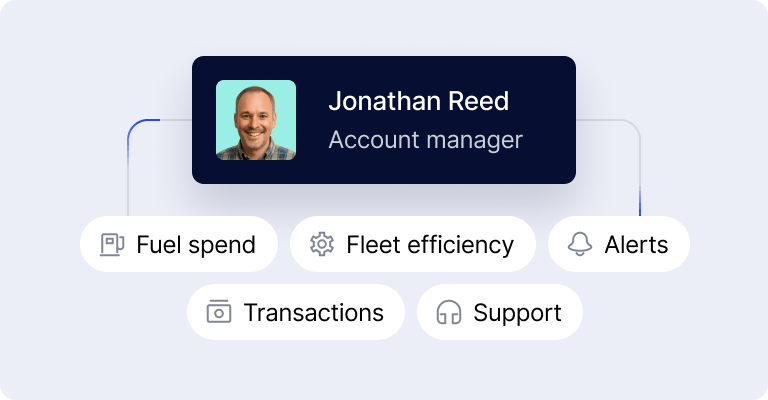
Saved time. Coast automatically extracts invoice details and routes each invoice to the right approver, so your team spends far less time on invoice admin. This frees them up to focus on higher-value tasks.
No accidental payments. Coast doesn’t release funds until an authorized manager reviews the invoice and signs off. This reduces the chances of duplicate payments, payments to the wrong vendor, and internal payment fraud..
Consolidated fleet, field and business payments. Along with invoice capture and payments, Coast also handles fuel and corporate card expenses. This means you can manage your fuel cards, employee field corporate cards, and commercial vendor bills in one platform instead of three.
AI-powered bill capture
Invoice data captured on arrival
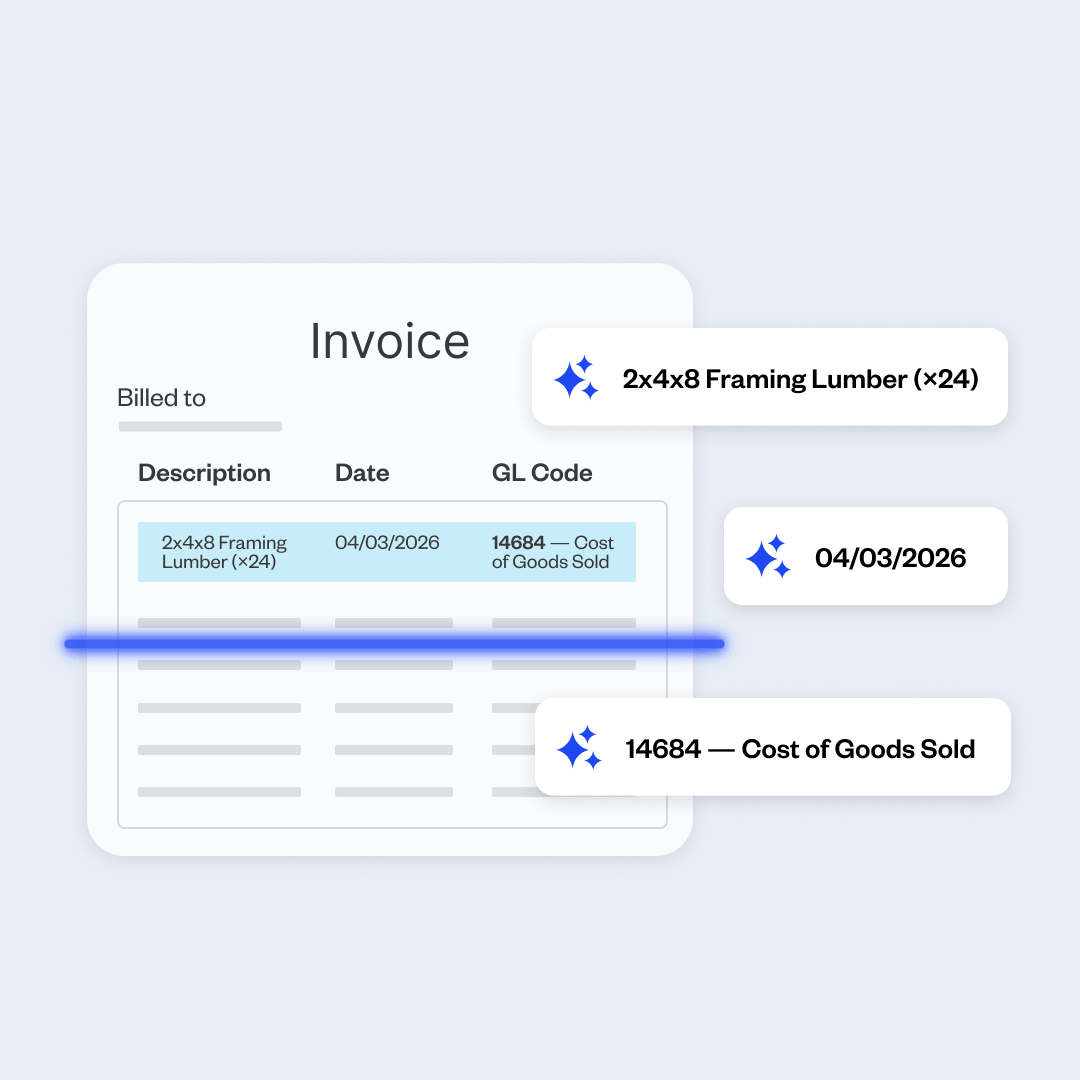
Job and project cost tagging
Know what every job costs
Coast codes each bill to the job it belongs to, so you can check what a project has cost at any point without having to scour spreadsheets or calculate it yourself.
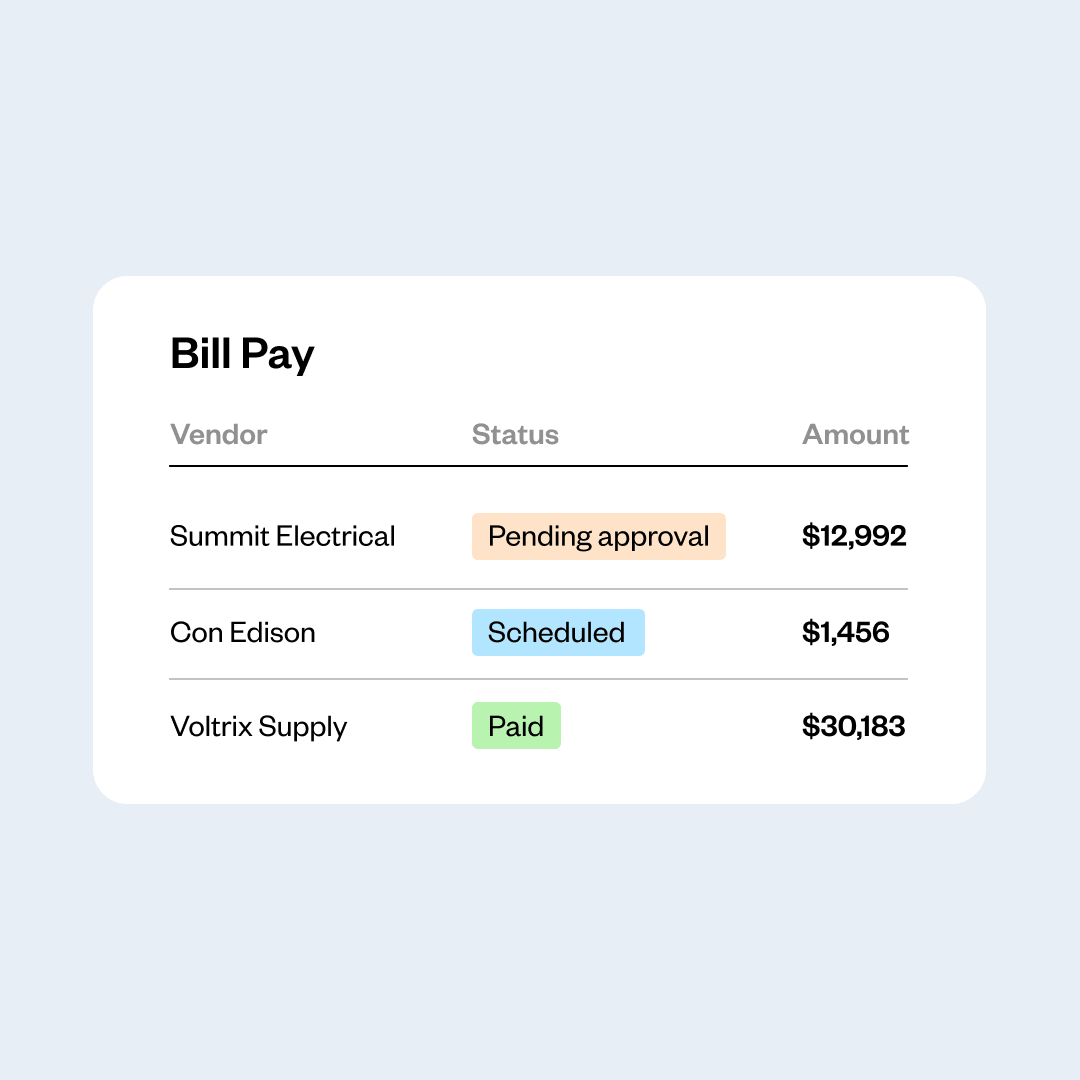
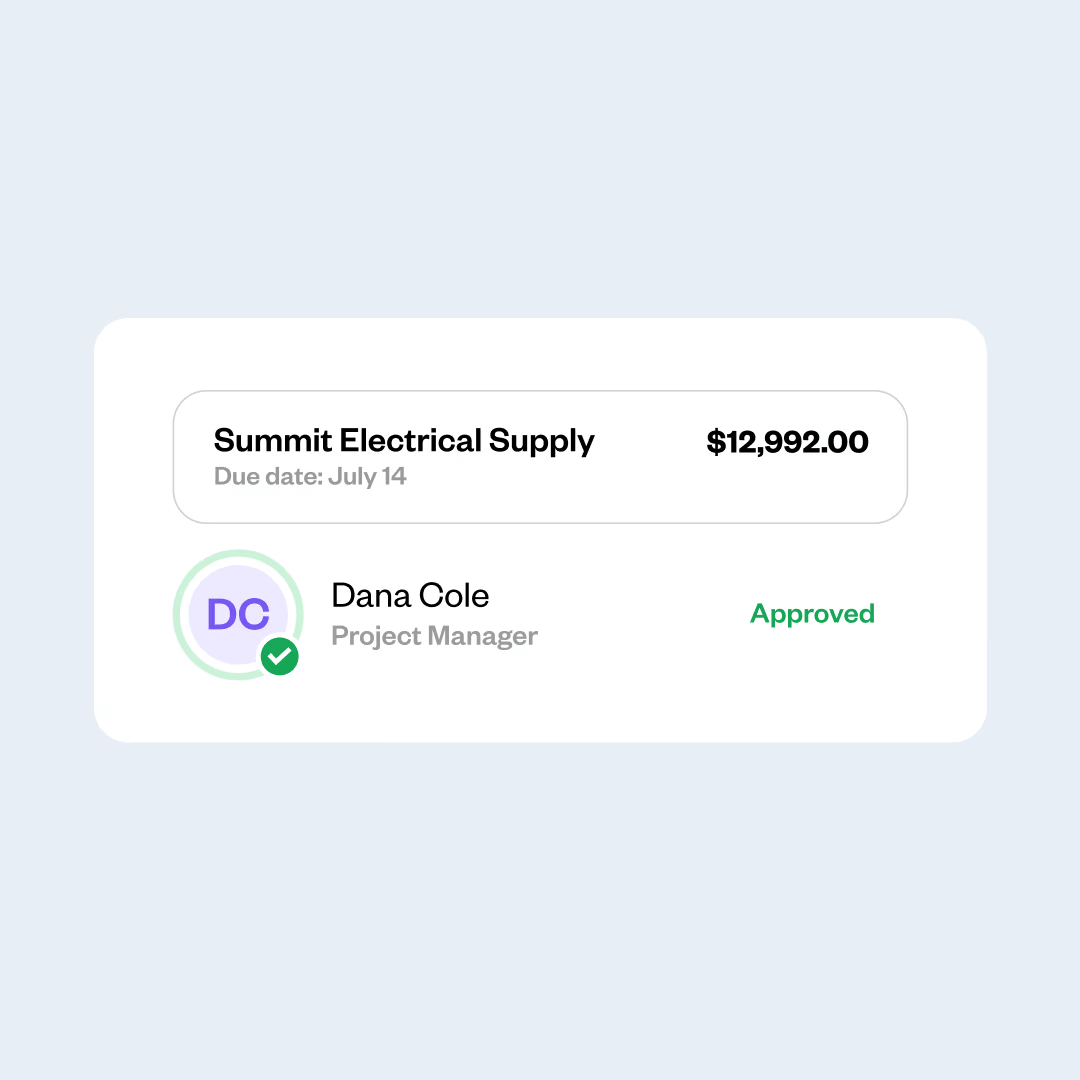
Approval workflows
No more chasing sign-off
Once you set the rules for who approves what, Coast sends each bill to the right approver, and that person can sign off from any device.
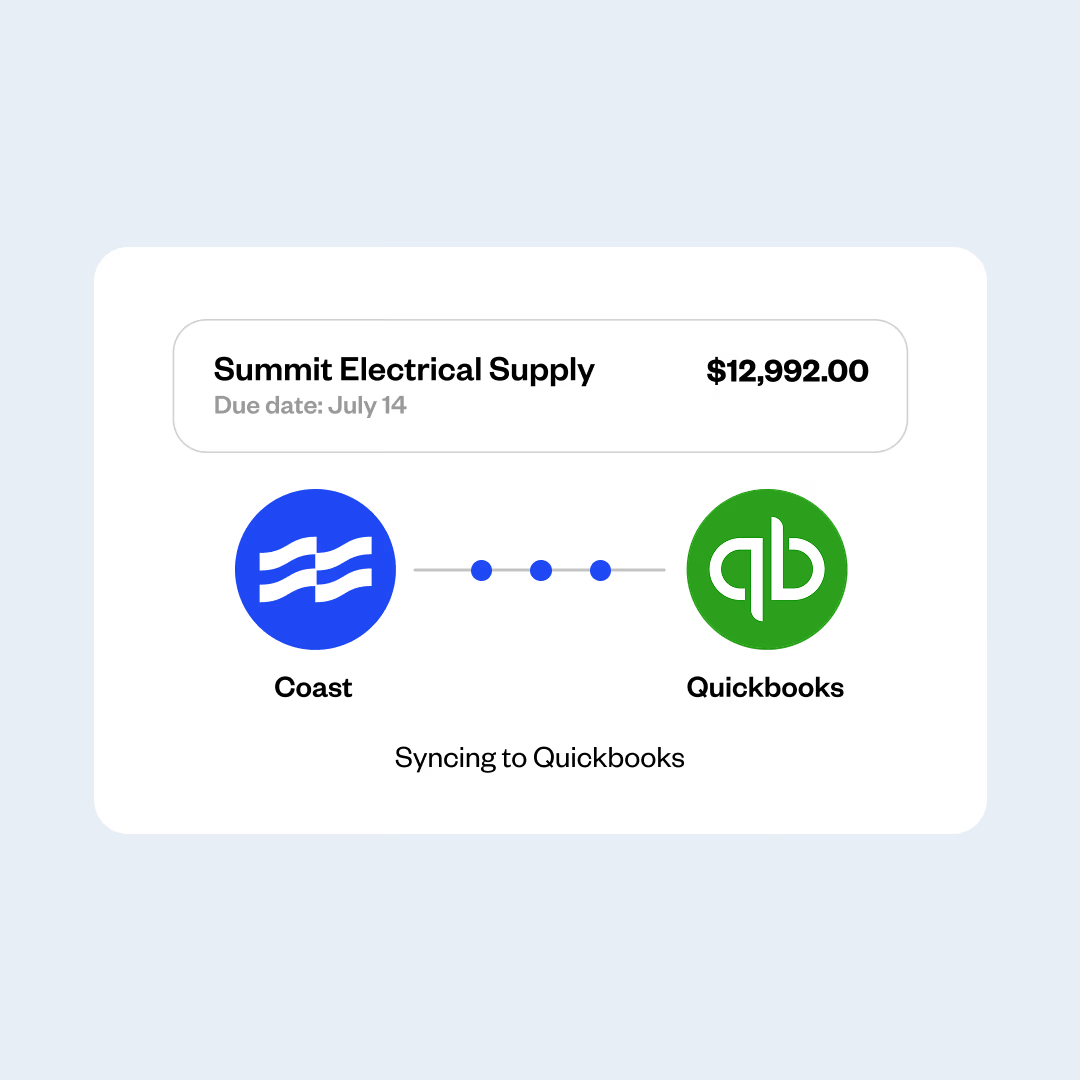
QuickBooks Online sync
Skip the second round of entry
Coast posts bills and payments to QuickBooks Online as you process them, so your records stay current without anyone entering the same details twice.

“Coast Bill Pay saved me 2 to 3 hours a week of just going behind my team to make sure they approved their invoices.”
Kolby Bonds
Nexus Pool Management
FAQs
What is invoice scanning software?
Invoice scanning software reads the invoices your vendors send and records the details for you. Instead of someone opening each invoice and typing the vendor, amount, and due date into your accounting system, the software automatically extracts those details from the document itself.
Most invoice scanning tools also pass the invoice on for approval once the details are captured.
How does invoice approval workflow software work?
An invoice arrives, either by email, by upload, or as a photo from someone in the field. The software reads the invoice and extracts the vendor name, invoice number, amount, and due date.
It then checks the invoice against the rules you set and sends it to the right approver, who gets an alert and can review the details on any device.
Once that person approves it, the invoice is cleared for payment, and the record of who approved it stays available for as long as you need it.
What are the benefits of invoice capture software?
Invoice capture software:
- Saves administrative hours by removing manual data entry and the typing errors that come with it.
- Speeds up approvals and flags duplicate invoices before any money leaves your account.
- Stores every invoice digitally, which gives you a complete audit trail and makes reconciliation faster.
How can I set up an automatic invoice capture?
Choose an invoice capture platform (like Coast Bill Pay) and link it to the email address your vendors send invoices to, so new invoices get pulled into the system automatically.
Set rules that specify the people who will review and approve each invoice, then connect your accounting software so captured invoices and payments flow into your books. You can set this up in one sitting and start capturing invoices the same week.
What should I look for in invoice data capture software?
You should look for:
- AI-driven extraction. This ensures that invoice details are isolated and logged automatically.
- Multiple ways to submit. It should support different ways to submit an invoice, like email, upload, and photos.
- The original on file. You should be able to check the details captured against the original invoice.
- Integration with your accounting software. It should connect to your existing ledger so bills and payments can flow instantaneously into the platform.
- Approval and payment included. The system should be able to route bills to the right approver and also process payments once the approver signs off.
How much does invoice capture software cost?
Pricing varies widely based on features, processing volume, and user seats. Basic standalone tools charge $15 to $50 monthly, while enterprise systems cost hundreds.
Some advanced platforms can bundle automated invoice capture directly into corporate card or fleet management suites, providing invoice capture to businesses for zero additional monthly fees.
Coast, for example, charges $4 per active user per month—and that’s it.
How does Coast Bill Pay work with QuickBooks Online?
You connect your QuickBooks Online account during setup. Once an invoice is processed and paid inside Coast, the line items, categories, and payment details sync directly to QuickBooks Online.
It automatically matches transactions to your chart of accounts, eliminating the need for duplicate data entry or manual bookkeeping.
How does Coast Bill Pay handle job costing?
You assign each bill to the job it belongs to, so you can see what a project has cost at any time. Coast also tracks your fuel purchases and card spend against jobs as well, which means your project costs cover more than just bills. This gives you a firmer basis for what you charge customers.
How do I get started with Coast Bill Pay?
Apply for Coast, connect your QuickBooks Online account, and start capturing and paying invoices in the same platform you use for fuel and fleet expenses.
Setup takes very little time, and most businesses start processing invoices within days.
What's the best invoice scanning software for businesses with fleets?
The right choice depends on what you need, though fleet businesses usually do better with a platform that covers more than just invoices.
Coast, for example, is built for companies that operate fleets, such as transportation, HVAC, and construction companies. It combines invoice capture and AP automation with fuel cards and corporate cards, so you can manage all your spending in one platform.
 Apply in minutesNo personal guaranteeWon't affect your credit score